</> htmx & Web Components A Perfect Match for Frontend Development

A presentation at DevFest Dijon 2025 in December 2025 in 21000 Dijon, France by Horacio Gonzalez

</> htmx & Web Components A Perfect Match for Frontend Development

Horacio Gonzalez @LostInBrittany Espagnol Perdu en Bretagne
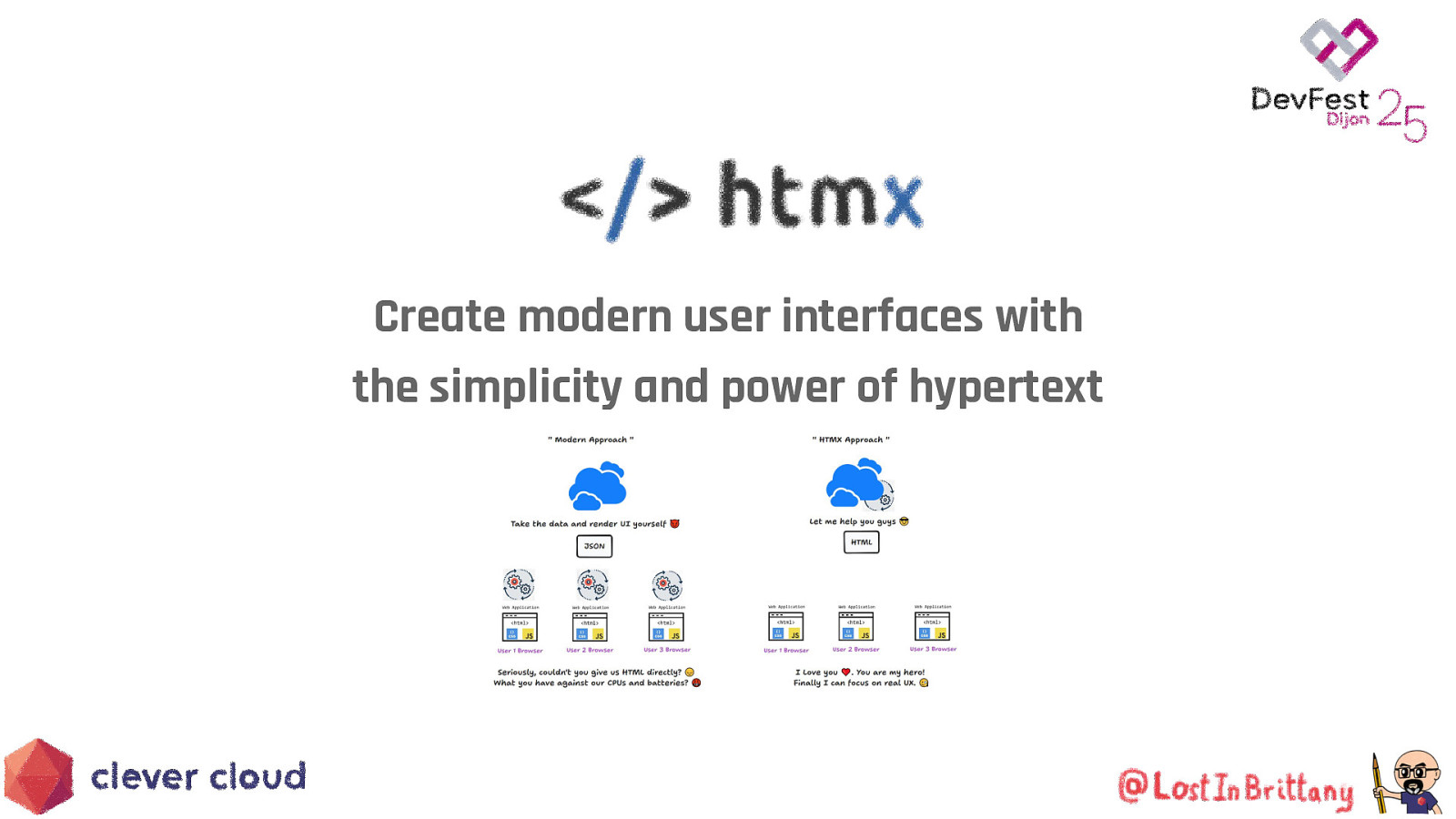
Create modern user interfaces with the simplicity and power of hypertext
Arbitrary Limitations of HTML ● Why can only <a> and <form> make HTTP(S) requests? ● Why can only click and submit events trigger them? ● Why are only GET and POST methods available? ● Why do <a> and <form> force a full page reload? ● Why so many arbitrary constraints in HTML?
Goal: Interactivity in Hypertext htmx extends HTML capabilities to: ● ● ● ● Perform AJAX requests Handle CSS transitions Work with WebSockets Process server-sent events All through declarative HTML attributes
But, what’s the point? It sounds nice and semantic, but what’s the real benefit?
A Quick Look Back A time when dinosaurs like me coded with Struts
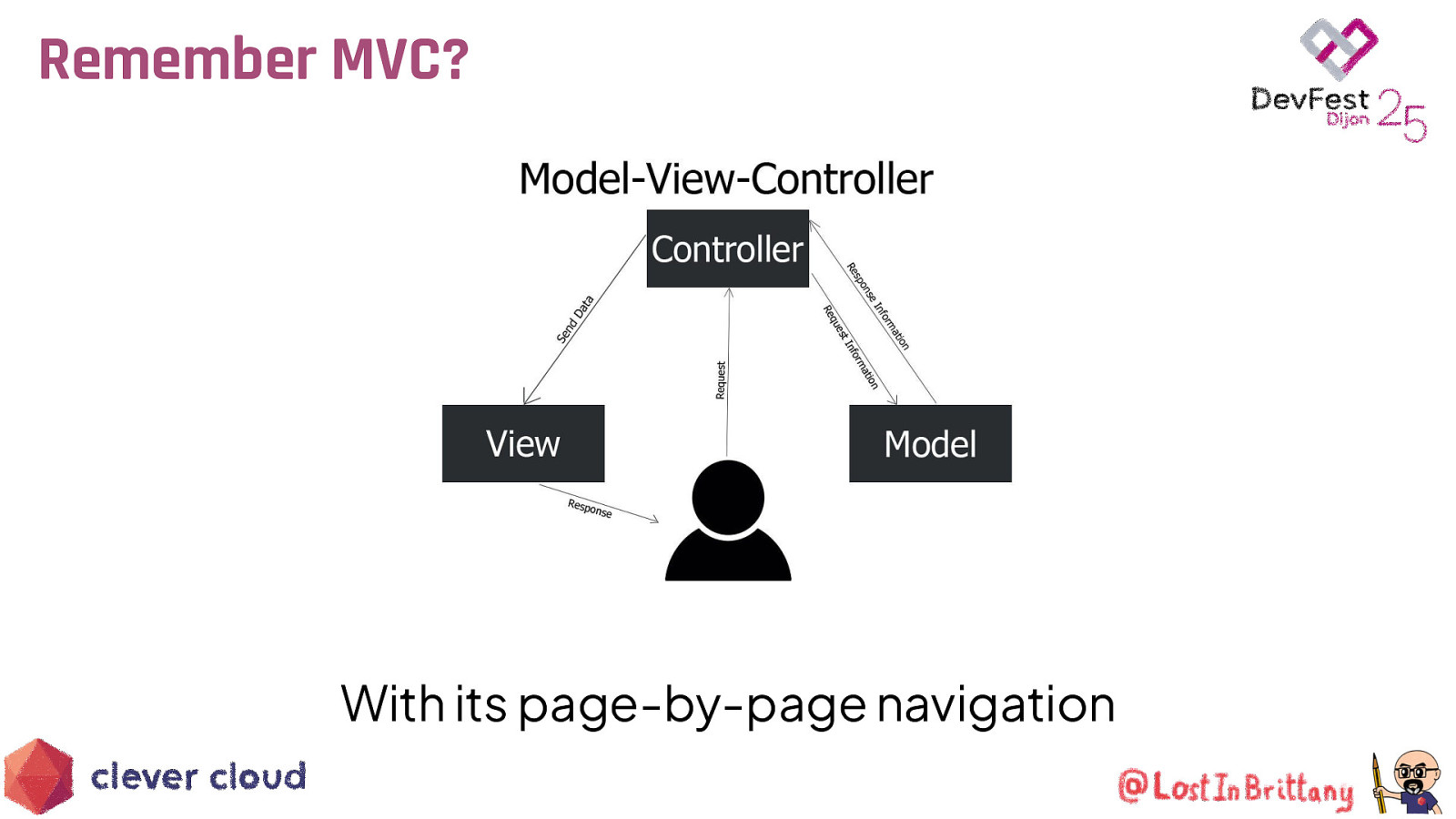
Remember MVC? With its page-by-page navigation
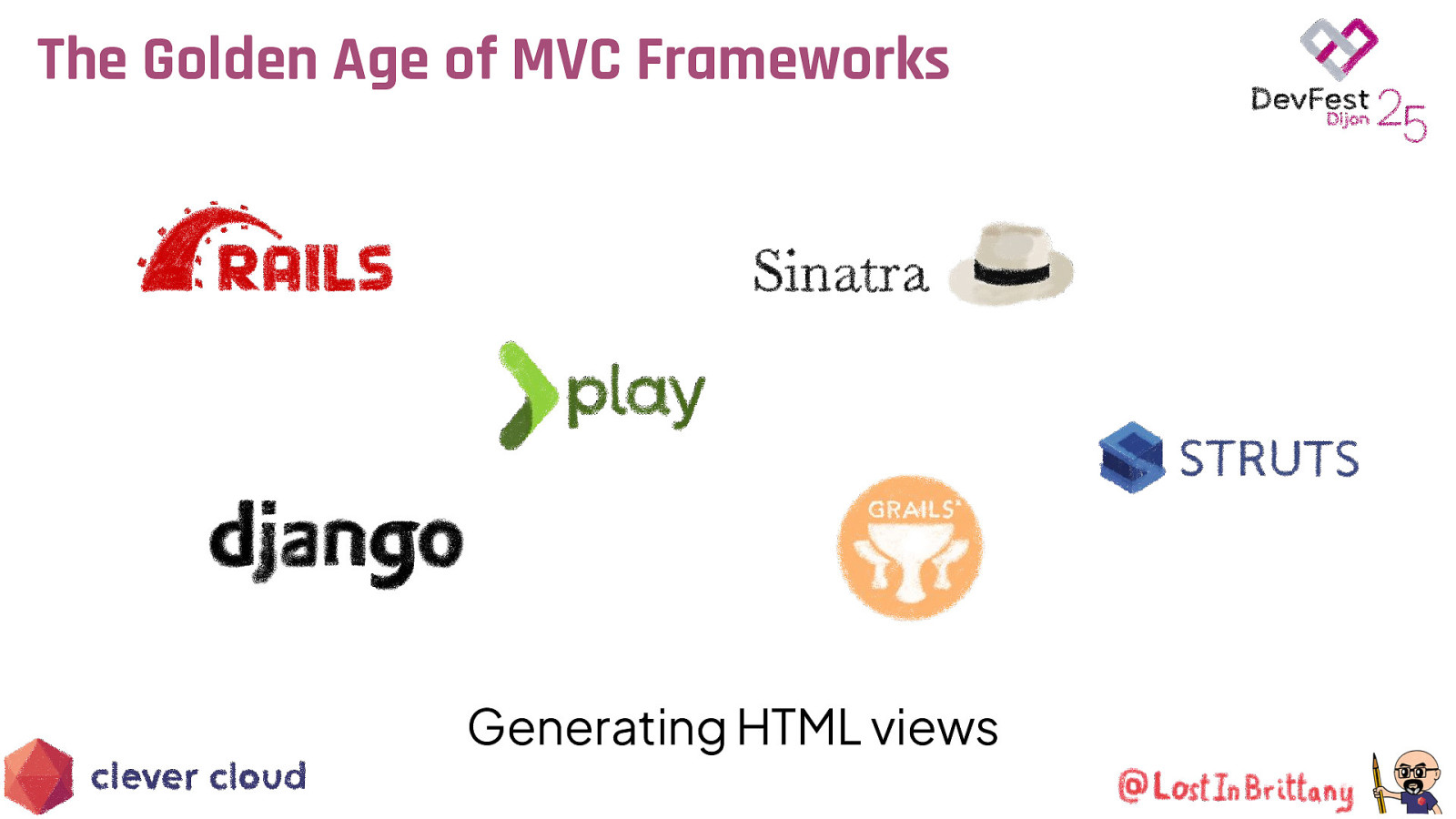
The Golden Age of MVC Frameworks Generating HTML views
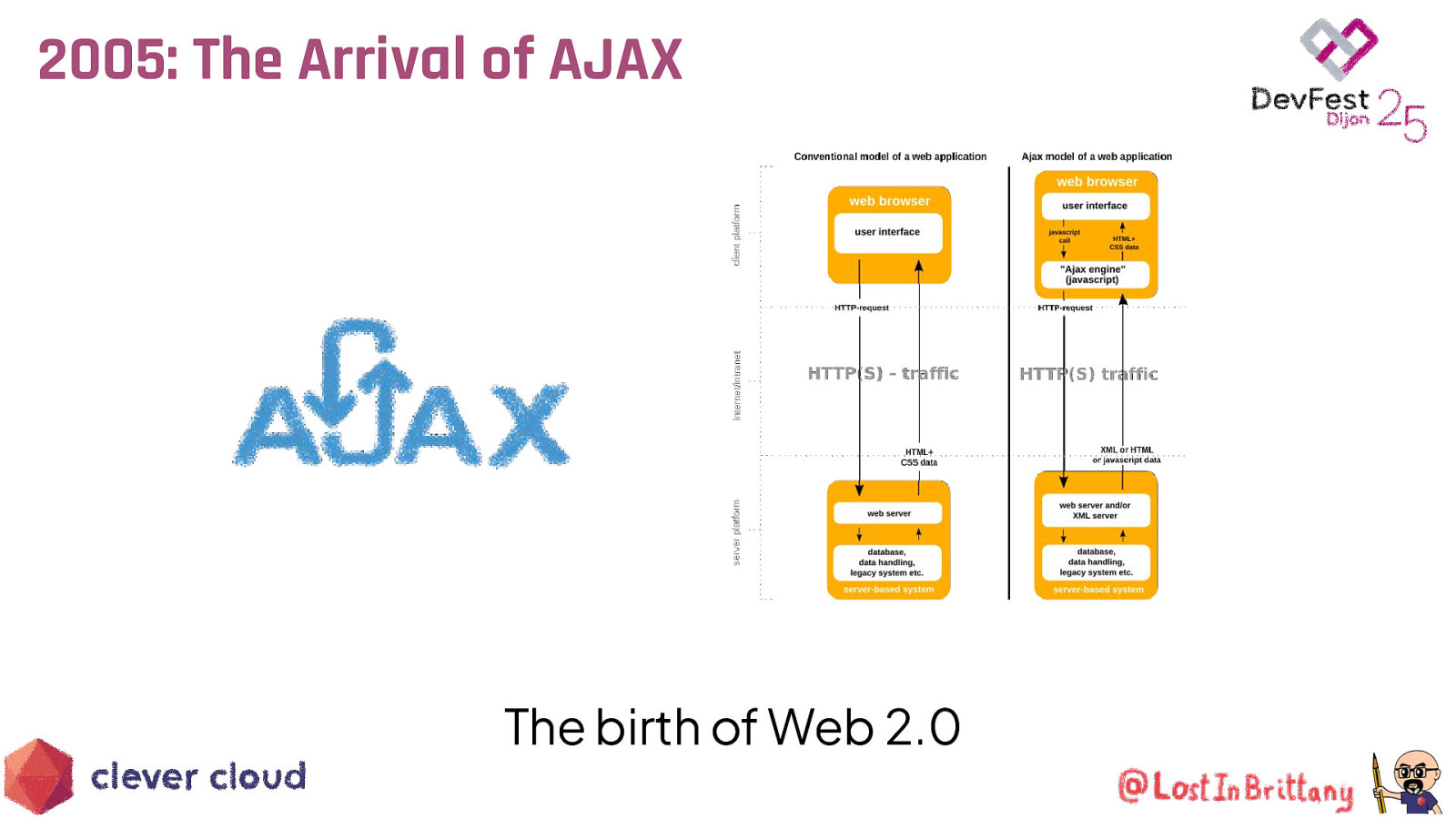
2005: The Arrival of AJAX The birth of Web 2.0

Web Pages Become Dynamic Apps Powered by JavaScript and jQuery
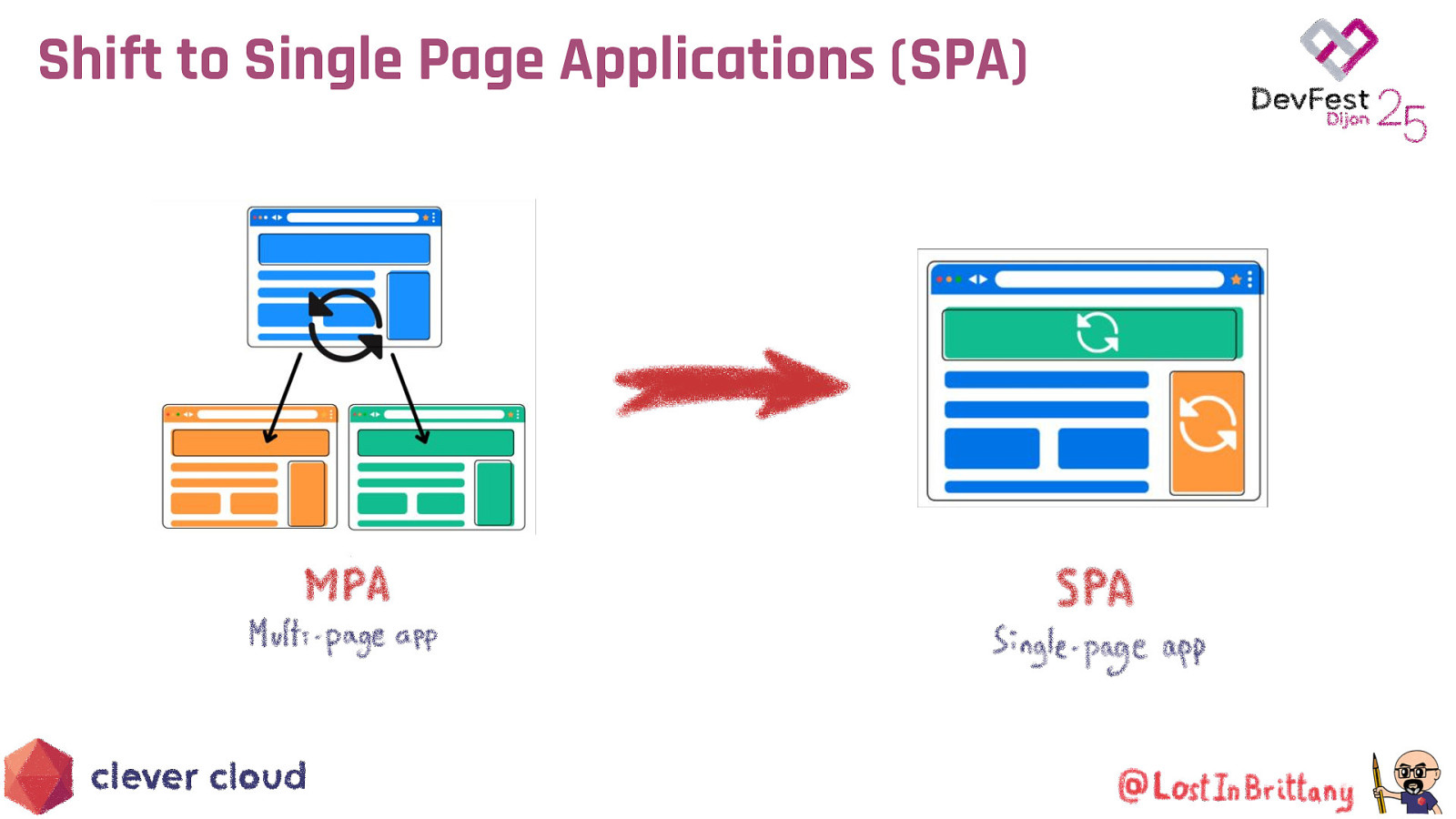
Shift to Single Page Applications (SPA)

Increasing Complexity The rise of JavaScript frameworks
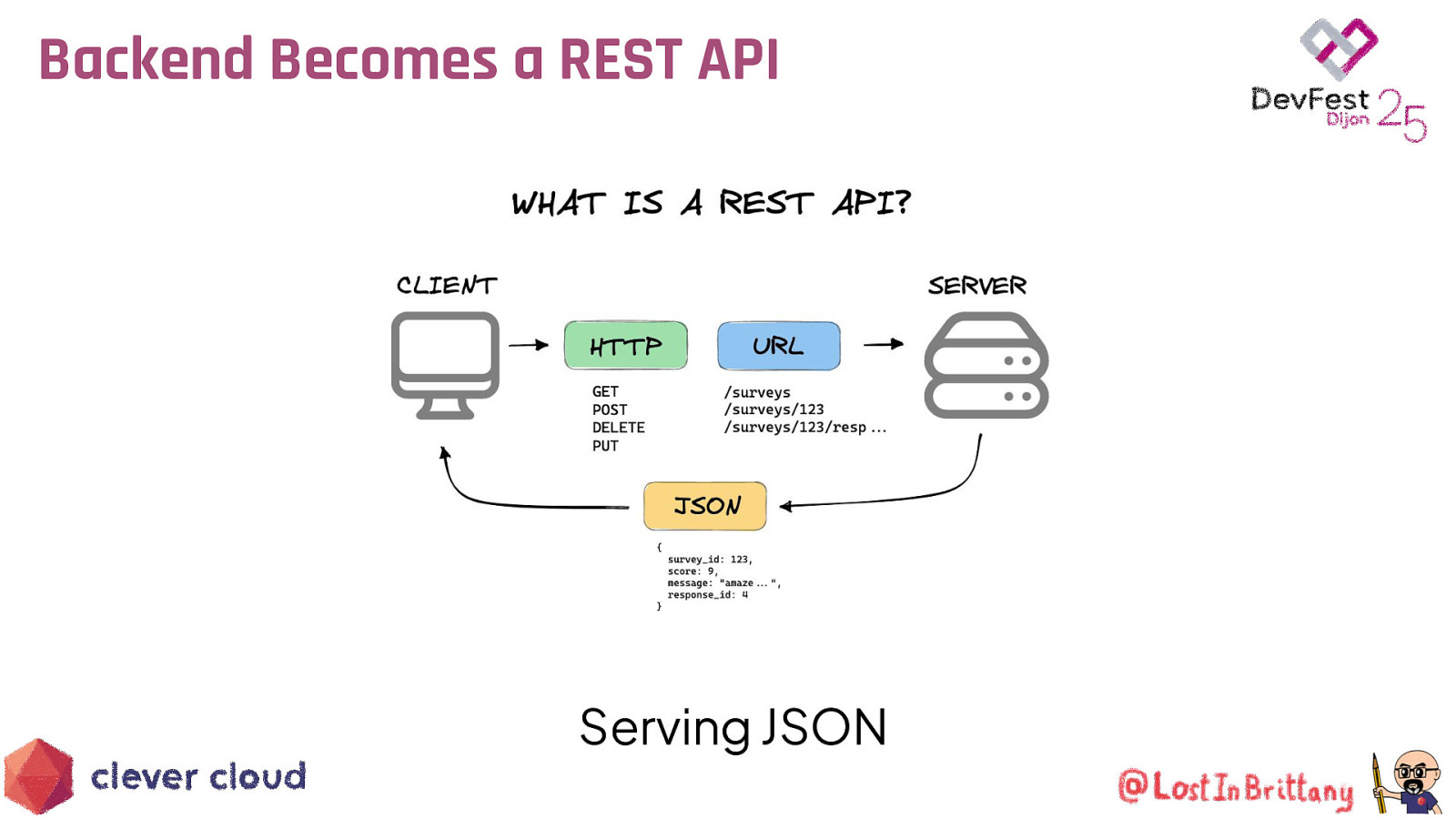
Backend Becomes a REST API Serving JSON

We Gained Functionality But lost simplicity and semantics

Overkill for Many Applications Sometimes we just need a simple web page with a bit of interactivity
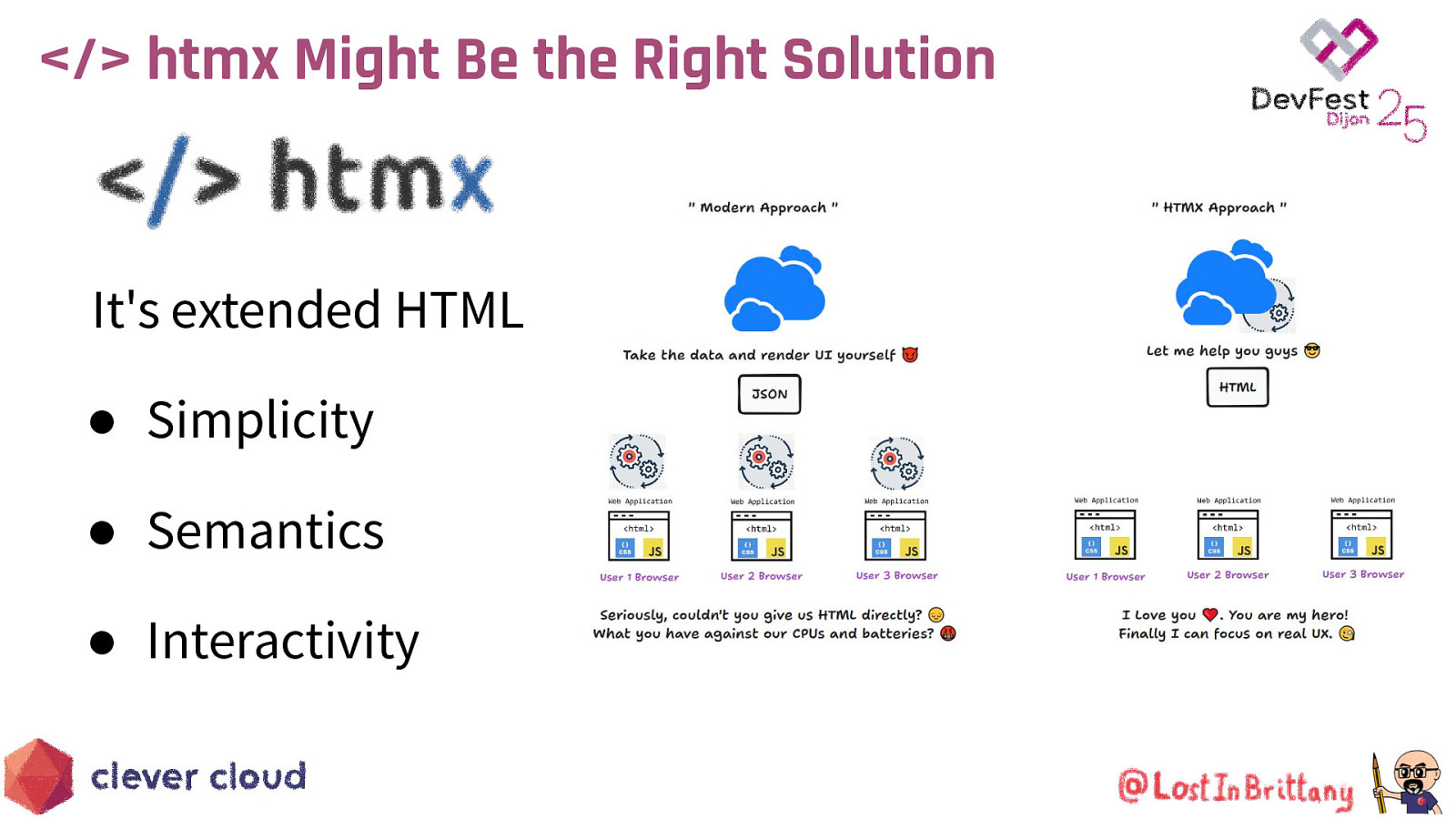
</> htmx Might Be the Right Solution It’s extended HTML ● Simplicity ● Semantics ● Interactivity
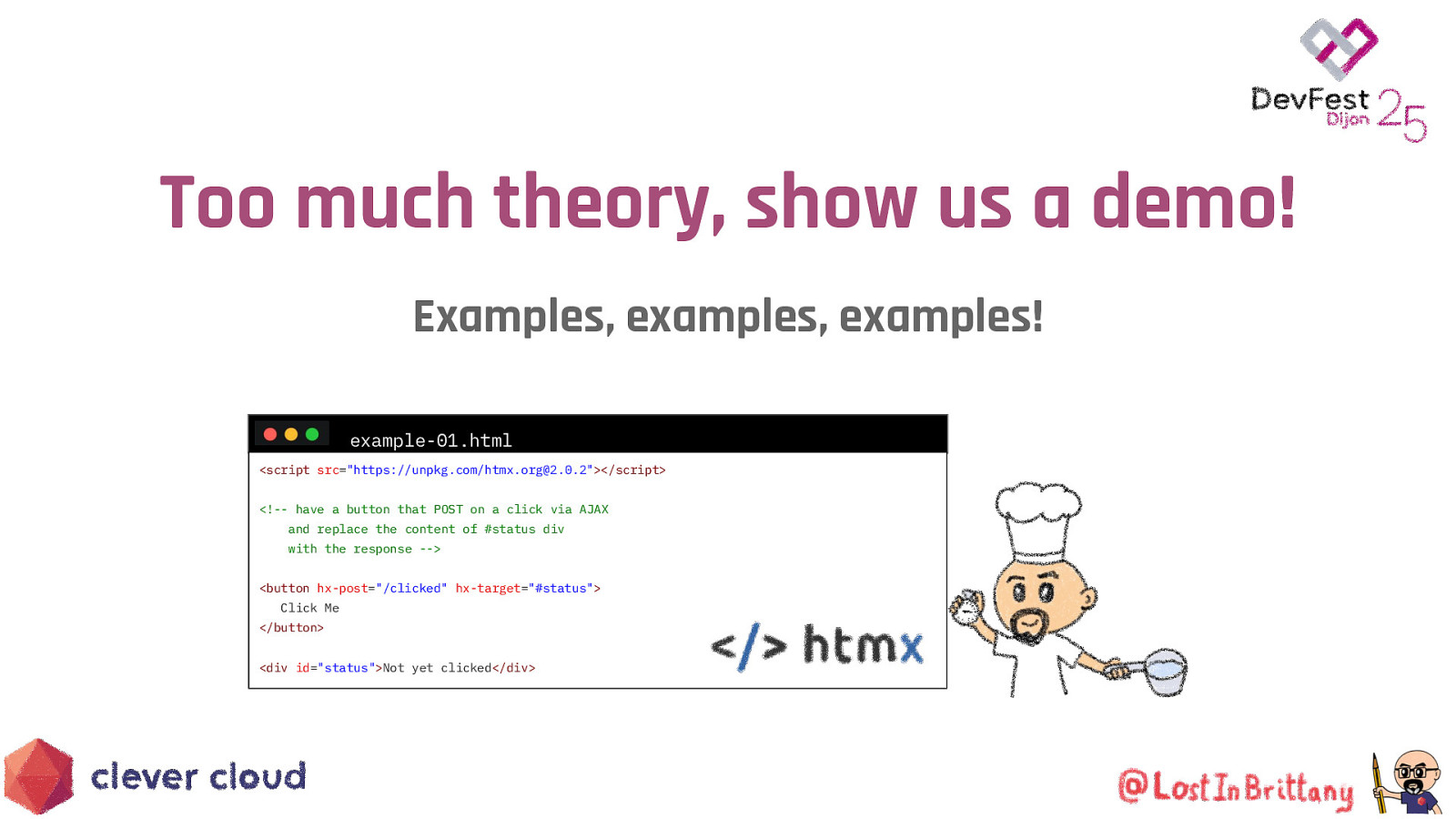
Too much theory, show us a demo! Examples, examples, examples! example-01.html <script src=”https://unpkg.com/htmx.org@2.0.2”></script> <!— have a button that POST on a click via AJAX and replace the content of #status div with the response —> <button hx-post=”/clicked” hx-target=”#status”> Click Me </button> <div id=”status”>Not yet clicked</div>

Too much theory, show us a demo! example-01.html https://github.com/LostInBrittany/introduction-to-htmx-and-lit

Sending POST on a button click ./html-examples/html-example-01.html example-01.html <script src=”https://unpkg.com/htmx.org@2.0.4”></script> <!— have a button that POST on a click via AJAX and replace the content of #status div with the response —> <button hx-post=”/clicked” hx-target=”#status”> Click Me </button> <div id=”status”>Not yet clicked</div>
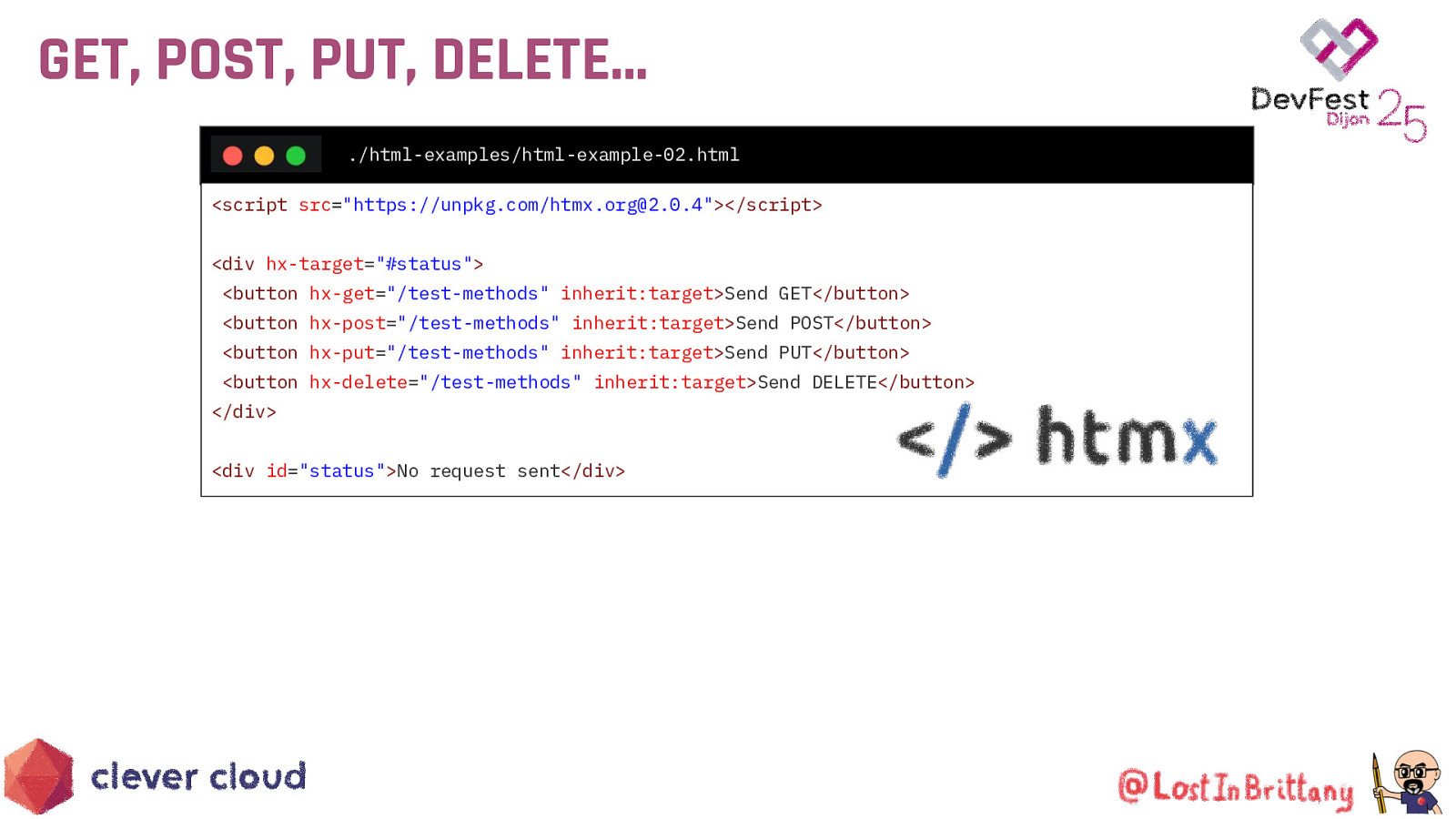
GET, POST, PUT, DELETE… ./html-examples/html-example-02.html <script src=”https://unpkg.com/htmx.org@2.0.4”></script> <div hx-target=”#status”> <button hx-get=”/test-methods” inherit:target>Send GET</button> <button hx-post=”/test-methods” inherit:target>Send POST</button> <button hx-put=”/test-methods” inherit:target>Send PUT</button> <button hx-delete=”/test-methods” inherit:target>Send DELETE</button> </div> <div id=”status”>No request sent</div>
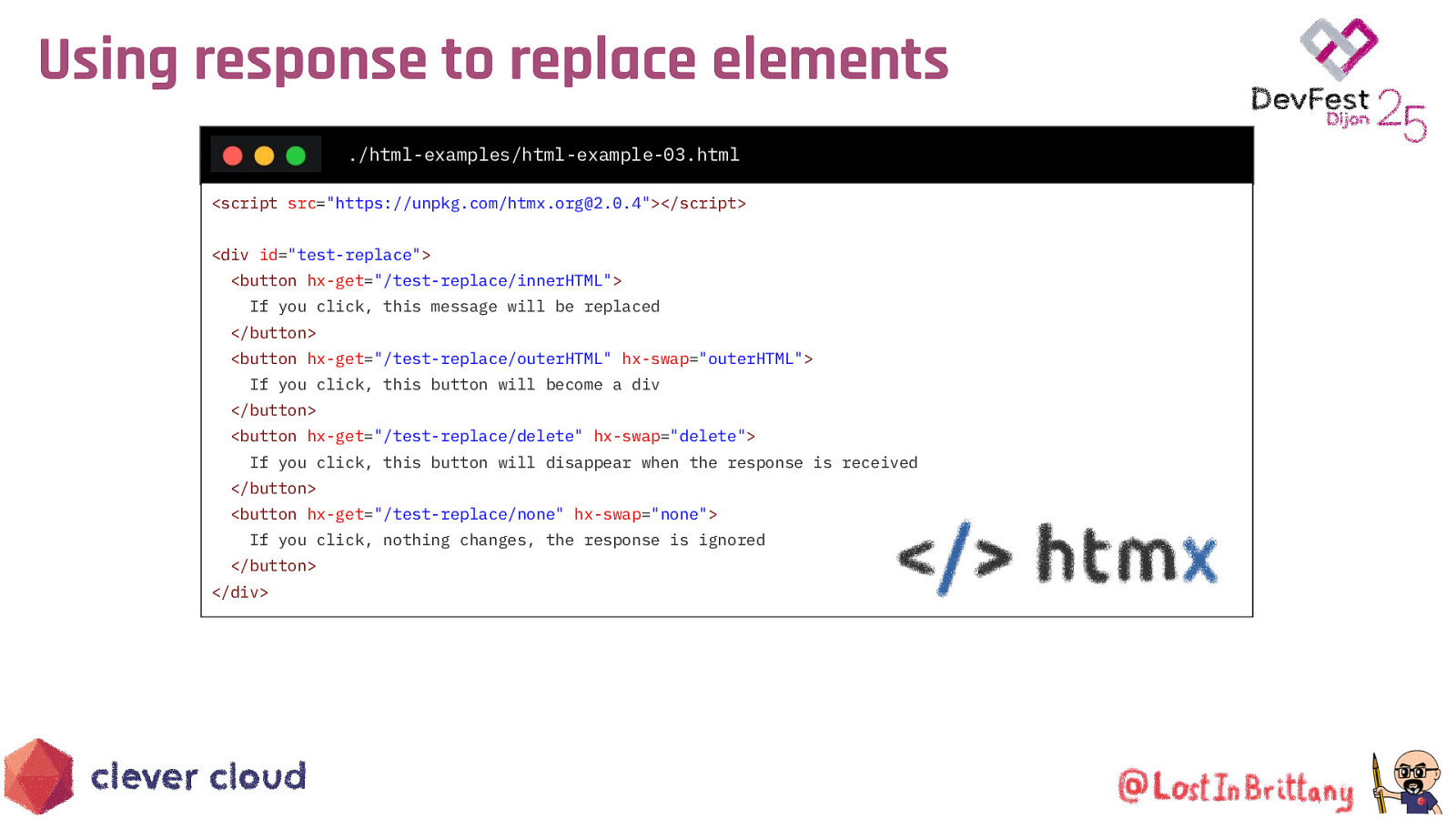
Using response to replace elements ./html-examples/html-example-03.html <script src=”https://unpkg.com/htmx.org@2.0.4”></script> <div id=”test-replace”> <button hx-get=”/test-replace/innerHTML”> If you click, this message will be replaced </button> <button hx-get=”/test-replace/outerHTML” hx-swap=”outerHTML”> If you click, this button will become a div </button> <button hx-get=”/test-replace/delete” hx-swap=”delete”> If you click, this button will disappear when the response is received </button> <button hx-get=”/test-replace/none” hx-swap=”none”> If you click, nothing changes, the response is ignored </button> </div>
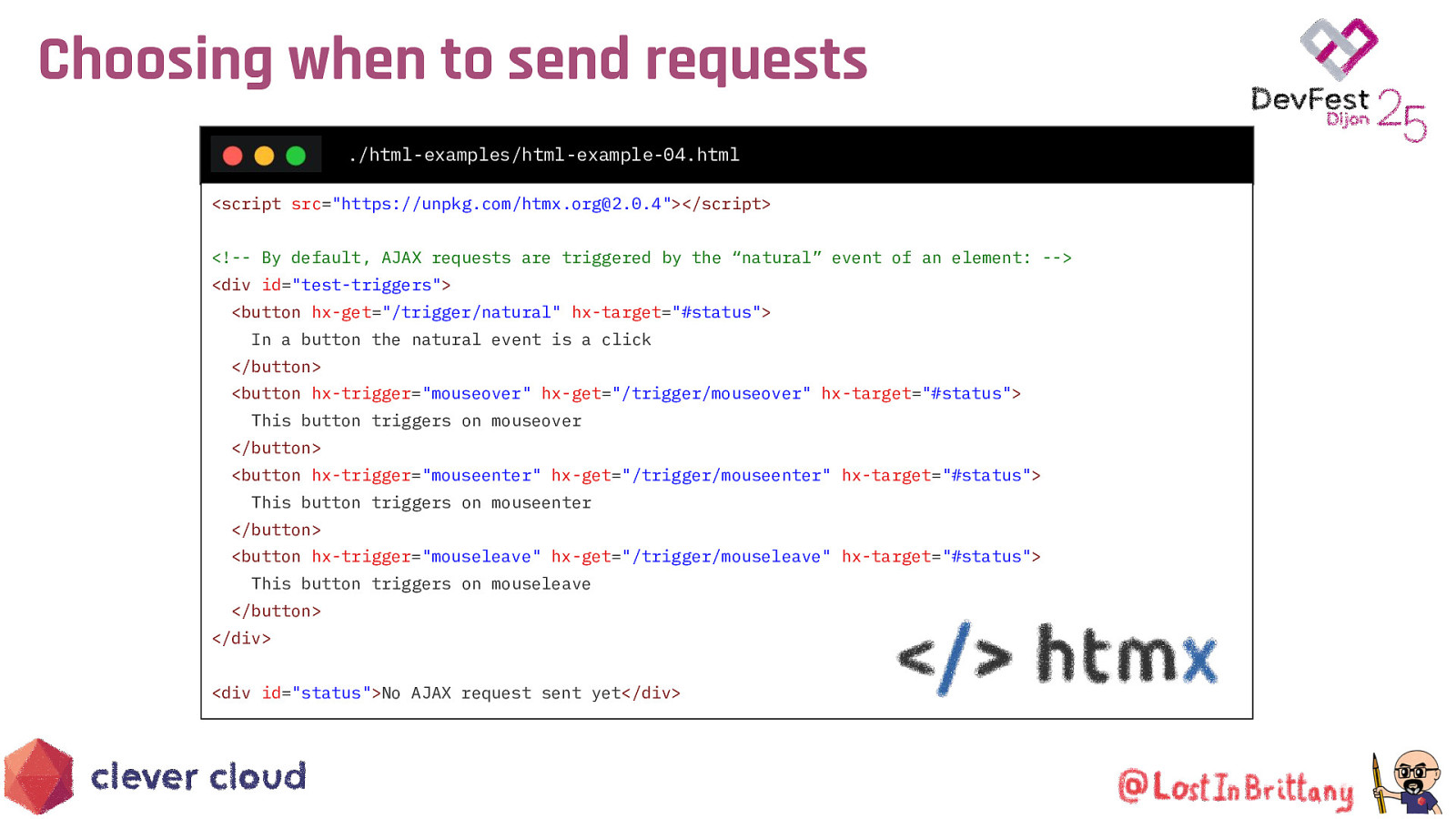
Choosing when to send requests ./html-examples/html-example-04.html <script src=”https://unpkg.com/htmx.org@2.0.4”></script> <!— By default, AJAX requests are triggered by the “natural” event of an element: —> <div id=”test-triggers”> <button hx-get=”/trigger/natural” hx-target=”#status”> In a button the natural event is a click </button> <button hx-trigger=”mouseover” hx-get=”/trigger/mouseover” hx-target=”#status”> This button triggers on mouseover </button> <button hx-trigger=”mouseenter” hx-get=”/trigger/mouseenter” hx-target=”#status”> This button triggers on mouseenter </button> <button hx-trigger=”mouseleave” hx-get=”/trigger/mouseleave” hx-target=”#status”> This button triggers on mouseleave </button> </div> <div id=”status”>No AJAX request sent yet</div>
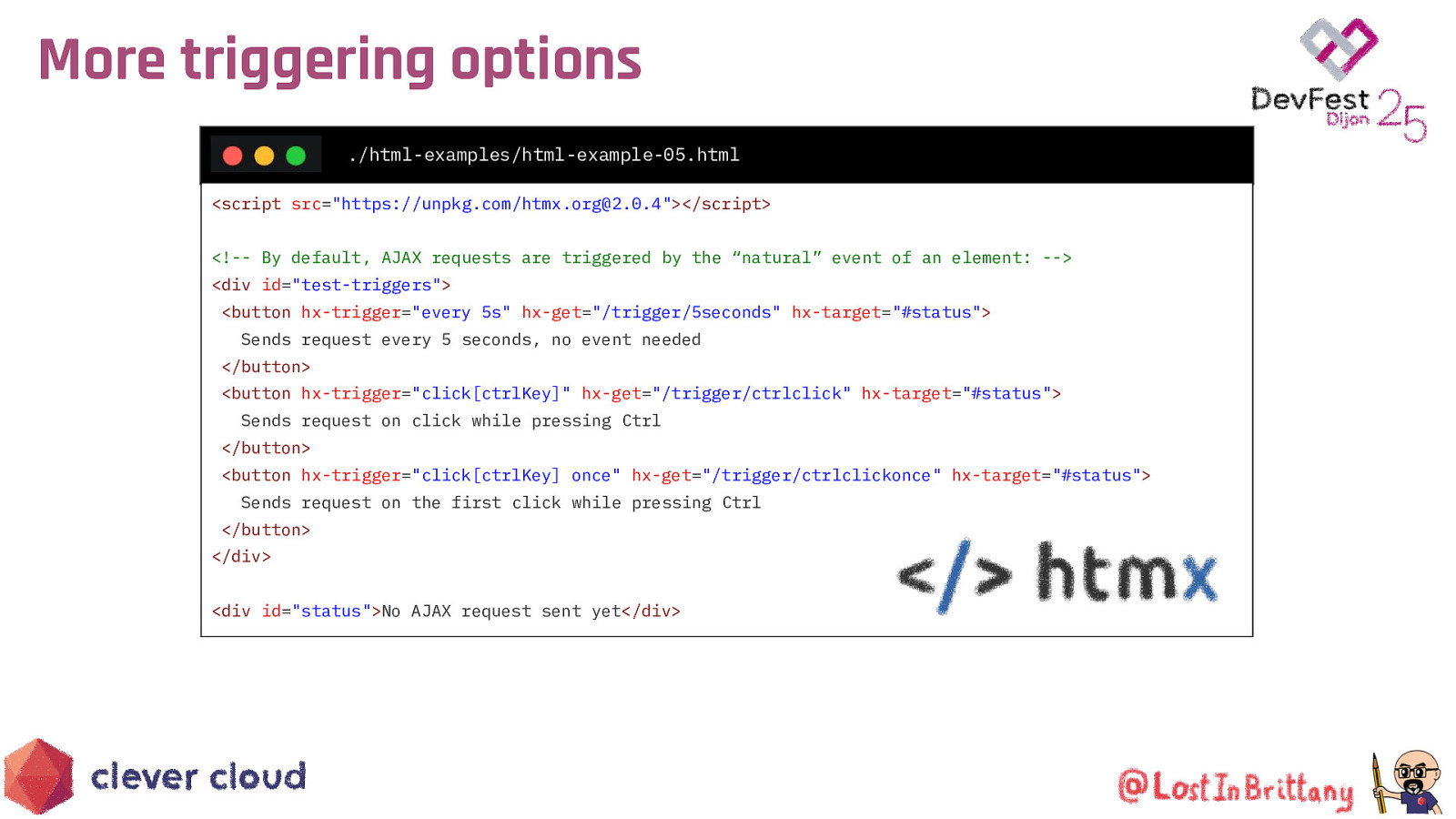
More triggering options ./html-examples/html-example-05.html <script src=”https://unpkg.com/htmx.org@2.0.4”></script> <!— By default, AJAX requests are triggered by the “natural” event of an element: —> <div id=”test-triggers”> <button hx-trigger=”every 5s” hx-get=”/trigger/5seconds” hx-target=”#status”> Sends request every 5 seconds, no event needed </button> <button hx-trigger=”click[ctrlKey]” hx-get=”/trigger/ctrlclick” hx-target=”#status”> Sends request on click while pressing Ctrl </button> <button hx-trigger=”click[ctrlKey] once” hx-get=”/trigger/ctrlclickonce” hx-target=”#status”> Sends request on the first click while pressing Ctrl </button> </div> <div id=”status”>No AJAX request sent yet</div>
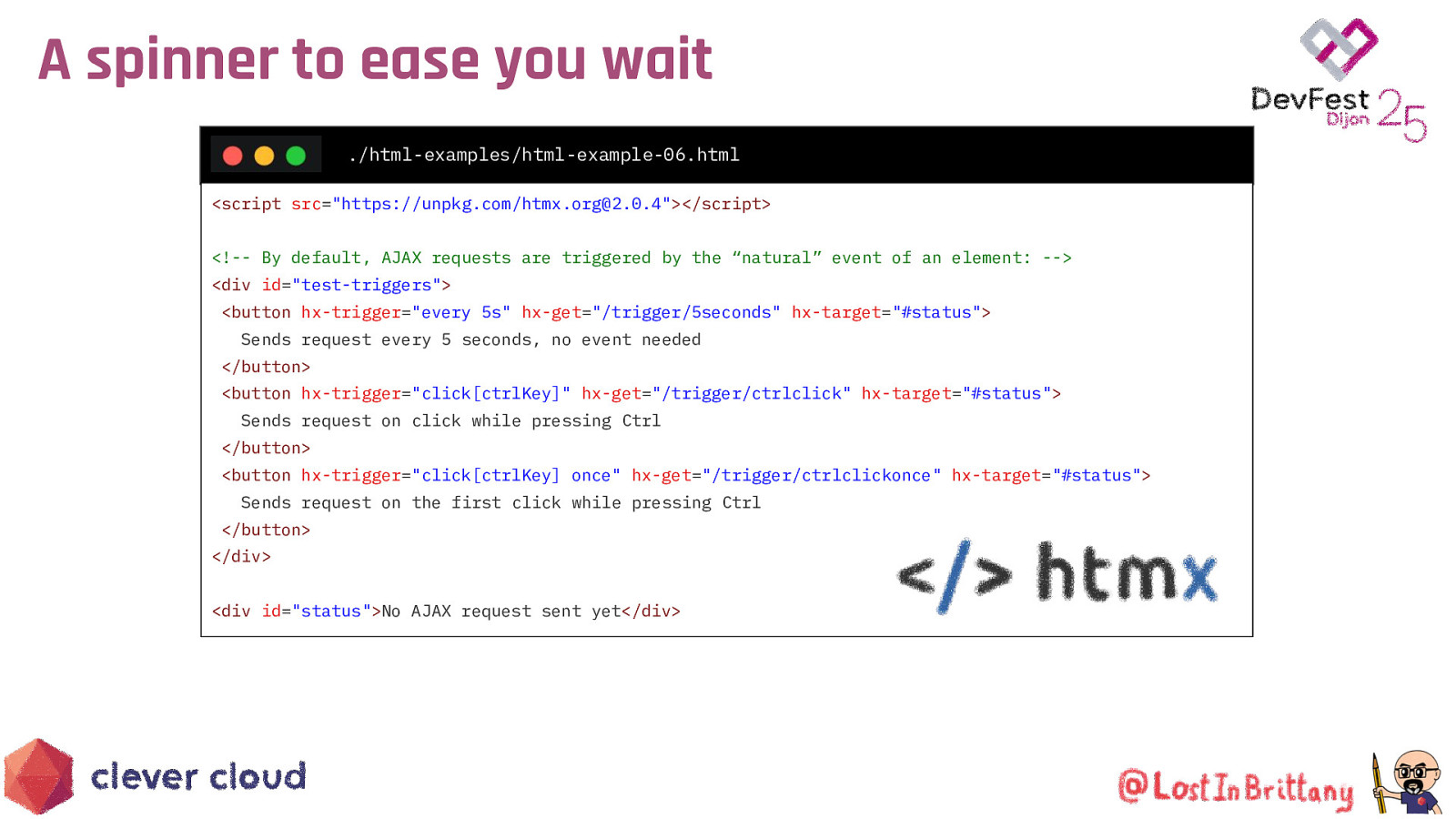
A spinner to ease you wait ./html-examples/html-example-06.html <script src=”https://unpkg.com/htmx.org@2.0.4”></script> <!— By default, AJAX requests are triggered by the “natural” event of an element: —> <div id=”test-triggers”> <button hx-trigger=”every 5s” hx-get=”/trigger/5seconds” hx-target=”#status”> Sends request every 5 seconds, no event needed </button> <button hx-trigger=”click[ctrlKey]” hx-get=”/trigger/ctrlclick” hx-target=”#status”> Sends request on click while pressing Ctrl </button> <button hx-trigger=”click[ctrlKey] once” hx-get=”/trigger/ctrlclickonce” hx-target=”#status”> Sends request on the first click while pressing Ctrl </button> </div> <div id=”status”>No AJAX request sent yet</div>
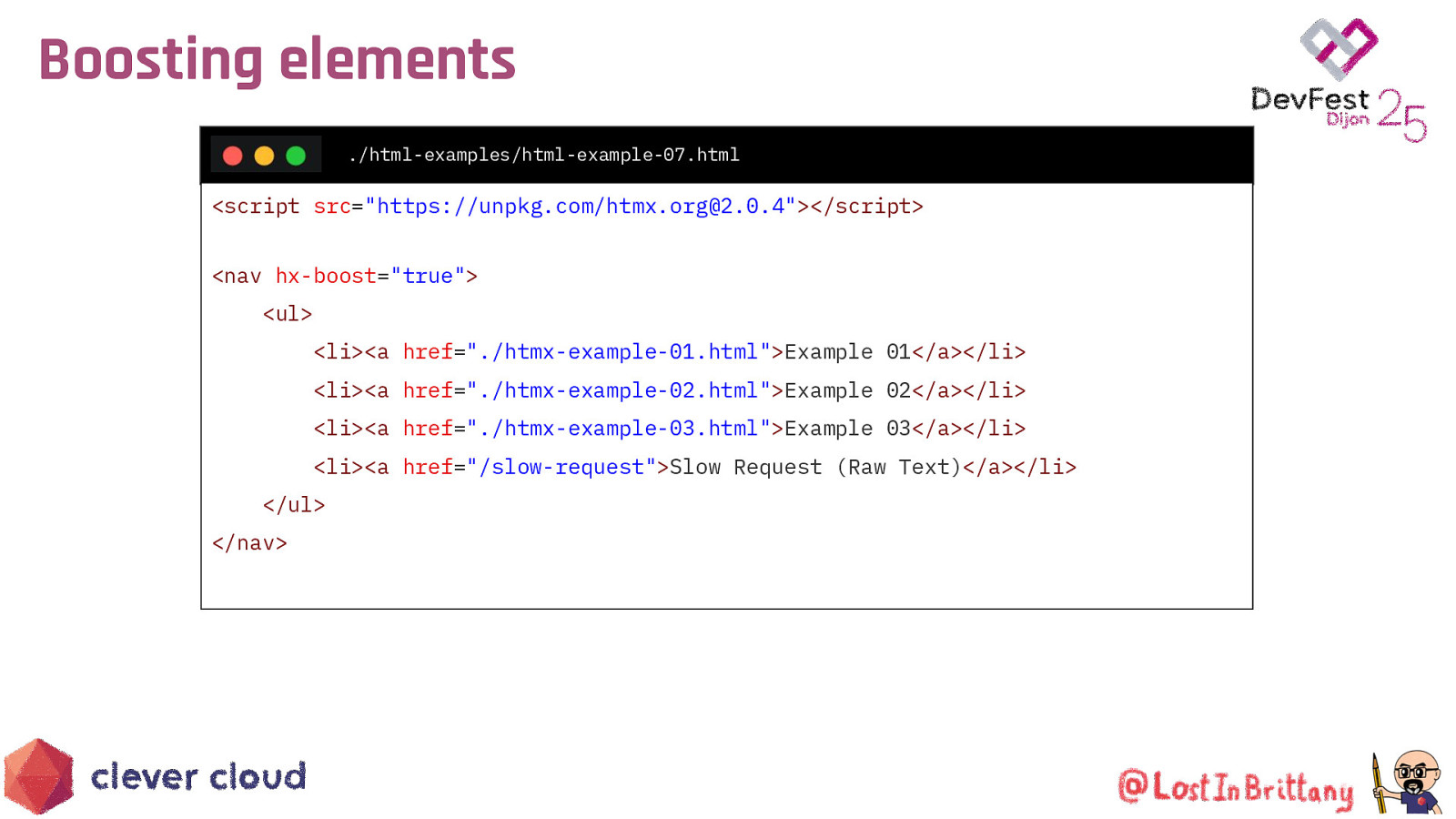
Boosting elements ./html-examples/html-example-07.html
<script src=”https://unpkg.com/htmx.org@2.0.4”></script> <nav hx-boost=”true”> <ul> <li><a href=”./htmx-example-01.html”>Example 01</a></li> <li><a href=”./htmx-example-02.html”>Example 02</a></li> <li><a href=”./htmx-example-03.html”>Example 03</a></li> <li><a href=”/slow-request”>Slow Request (Raw Text)</a></li> </ul> </nav>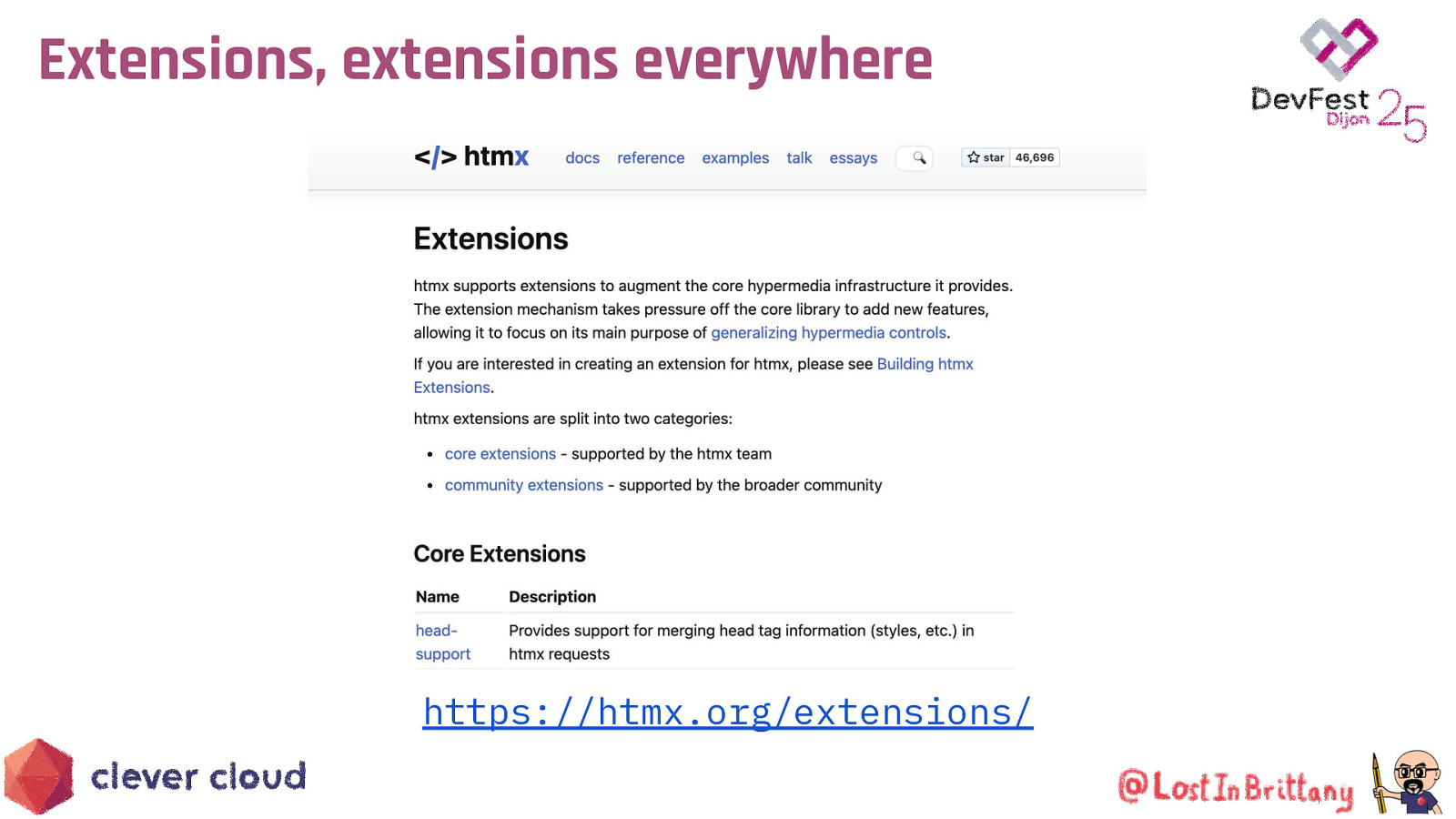
Extensions, extensions everywhere https://htmx.org/extensions/

Hypermedia Driven Applications (HDA) An HDA: ● Uses declarative, HTML-embedded syntax rather than imperative scripting to achieve better front-end interactivity ● Interacts with the server in terms of hypermedia (i.e. HTML) rather than a non-hypermedia format (e.g. JSON)
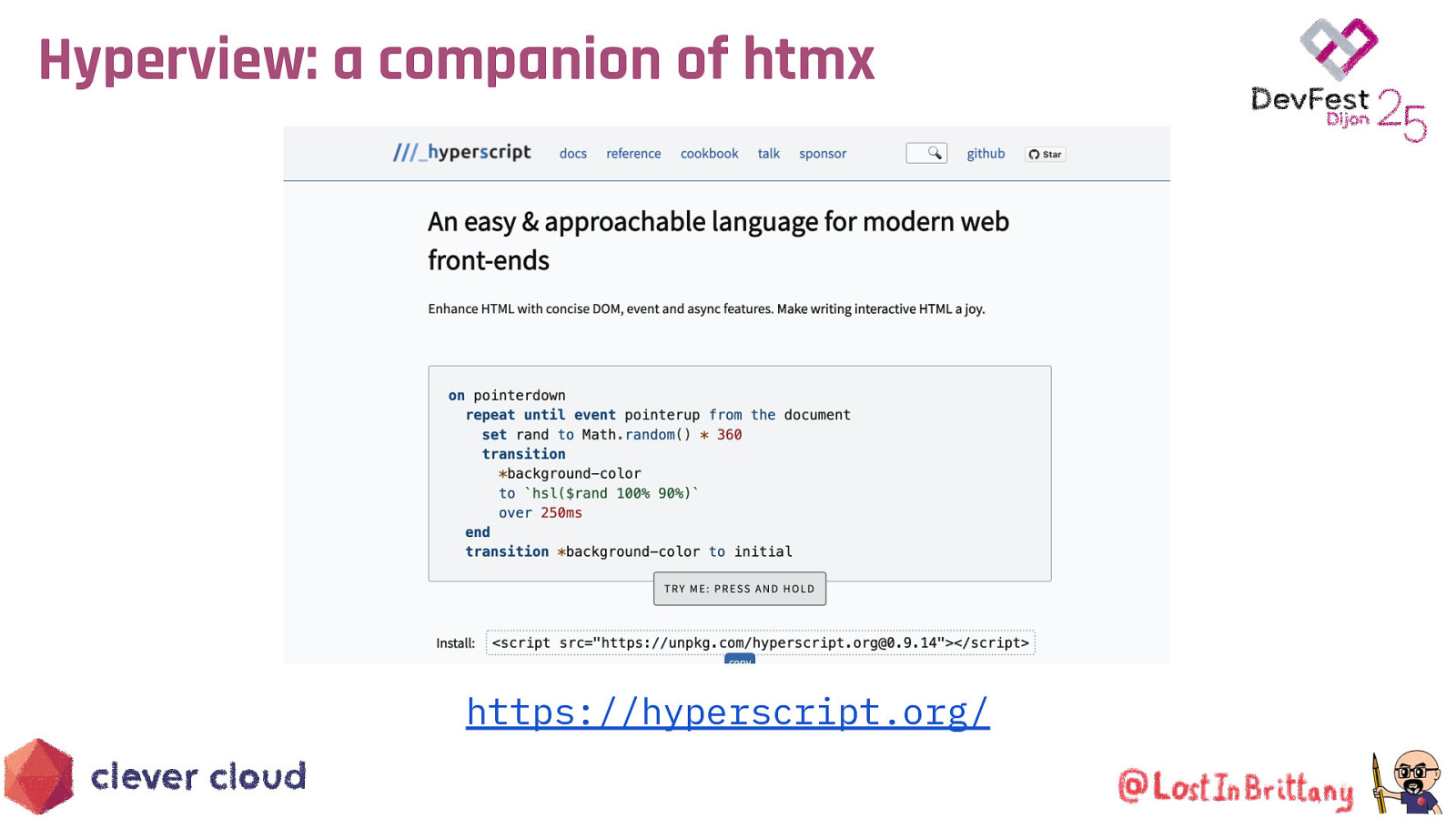
Hyperview: a companion of htmx https://hyperscript.org/
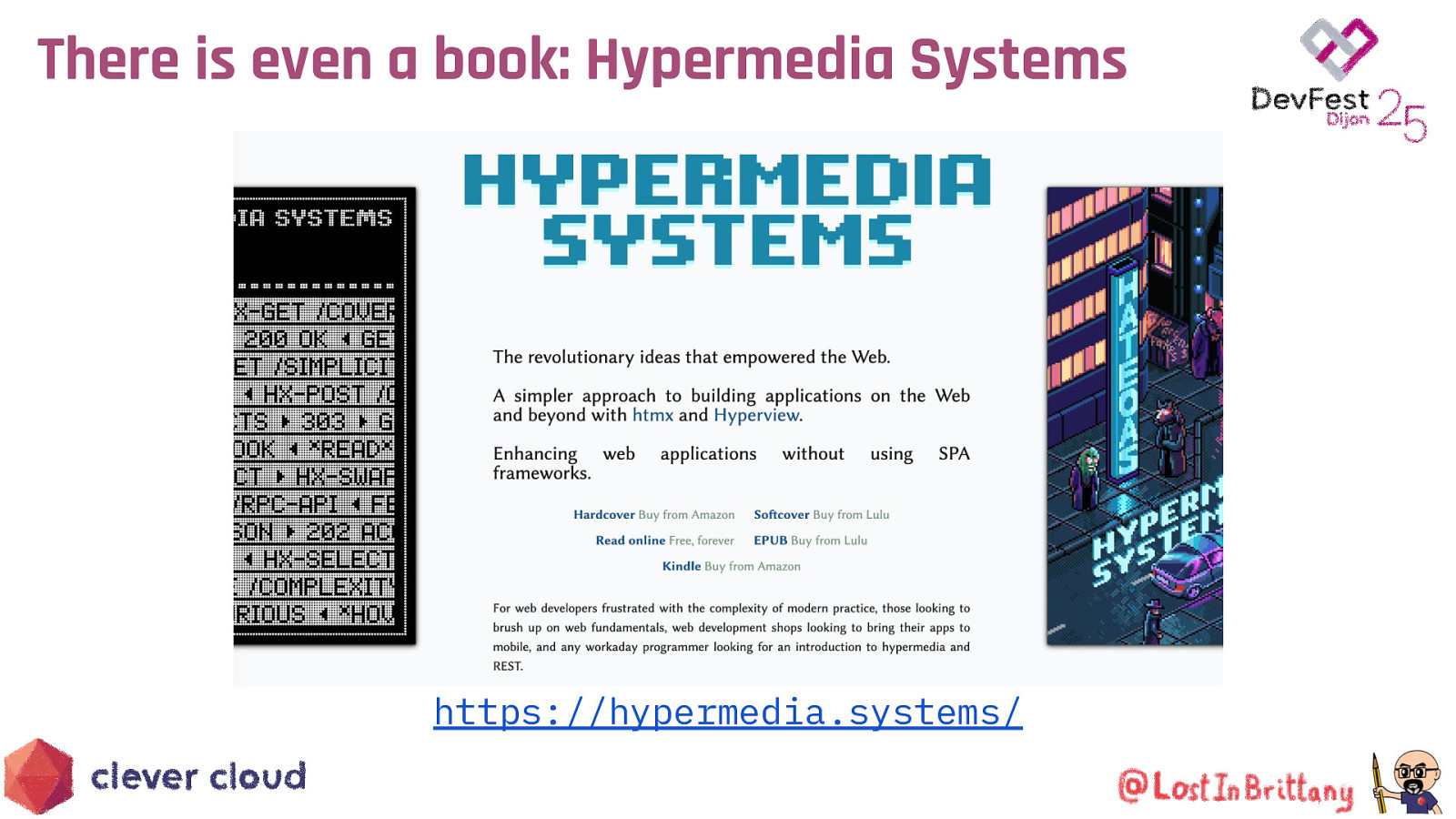
There is even a book: Hypermedia Systems https://hypermedia.systems/
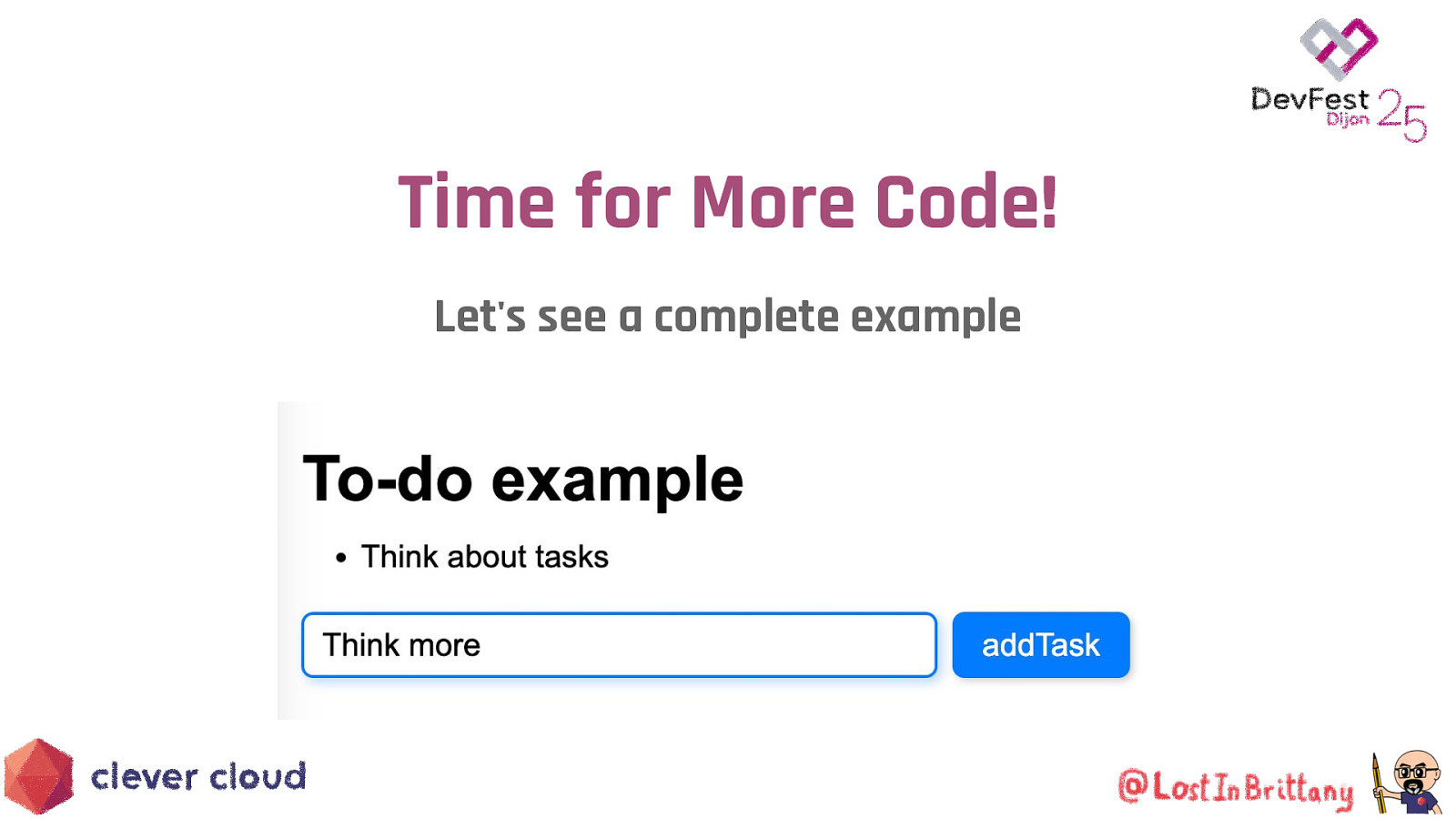
Time for More Code! Let’s see a complete example

Too much theory, show us a demo! example-01.html https://github.com/LostInBrittany/introduction-to-htmx-and-lit
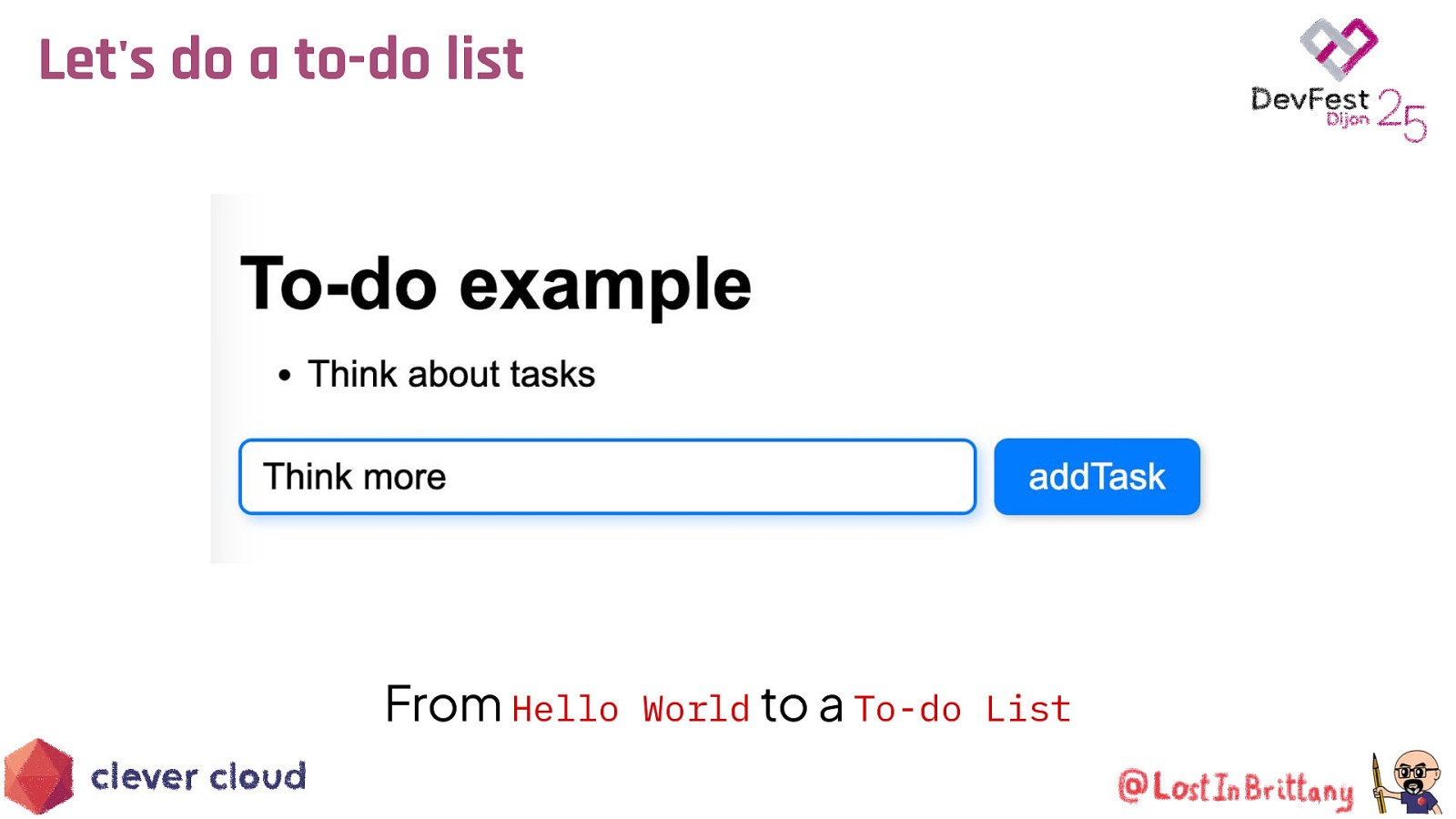
Let’s do a to-do list From Hello World to a To-do List
What the heck are web component? The 3 minutes context

Web Components Web standard W3C
Web Components Available in all modern browsers: Firefox, Safari, Chrome
Web Components Create your own HTML tags Encapsulating look and behavior
Web Components Fully interoperable With other web components, with any framework
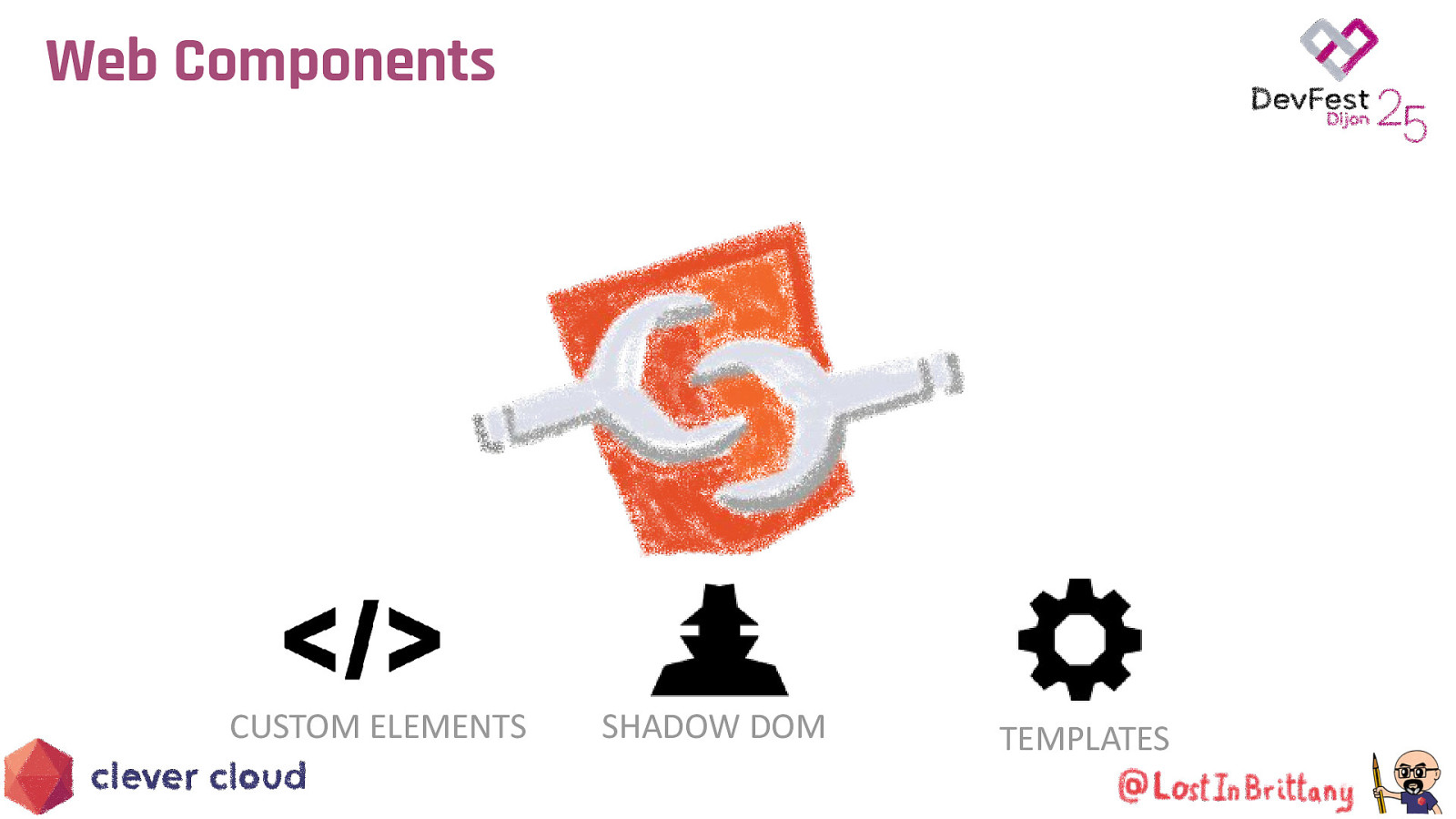
Web Components CUSTOM ELEMENTS SHADOW DOM TEMPLATES

Custom Element To define your own HTML tag <body> … <script> window.customElements.define(‘my-element’, class extends HTMLElement {…}); </script> <my-element></my-element> </body>
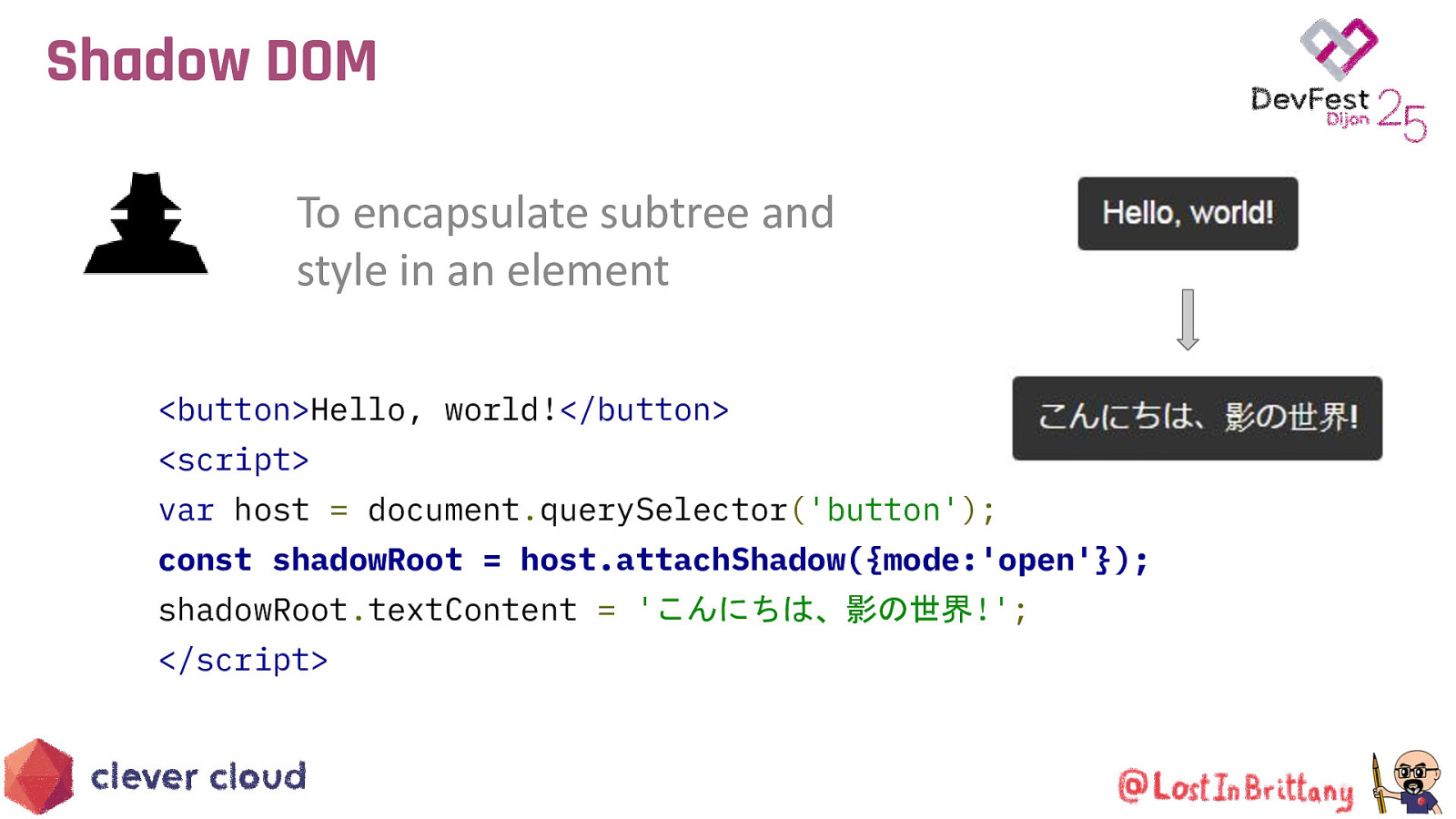
Shadow DOM To encapsulate subtree and style in an element <button>Hello, world!</button> <script> var host = document.querySelector(‘button’); const shadowRoot = host.attachShadow({mode:’open’}); shadowRoot.textContent = ‘こんにちは、影の世界!’; </script>
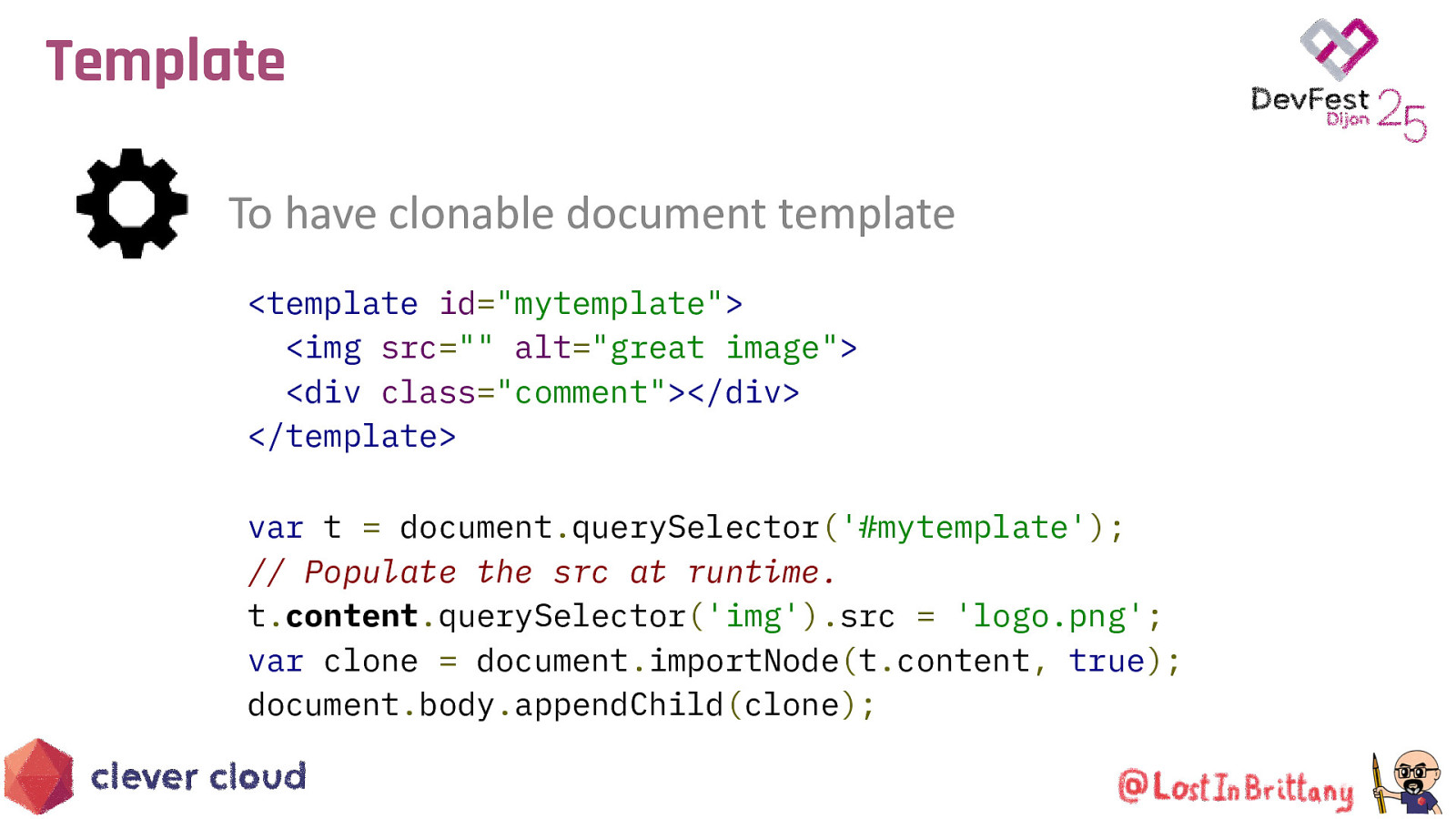
Template To have clonable document template <template id=”mytemplate”> <img src=”” alt=”great image”> <div class=”comment”></div> </template> var t = document.querySelector(‘#mytemplate’); // Populate the src at runtime. t.content.querySelector(‘img’).src = ‘logo.png’; var clone = document.importNode(t.content, true); document.body.appendChild(clone);
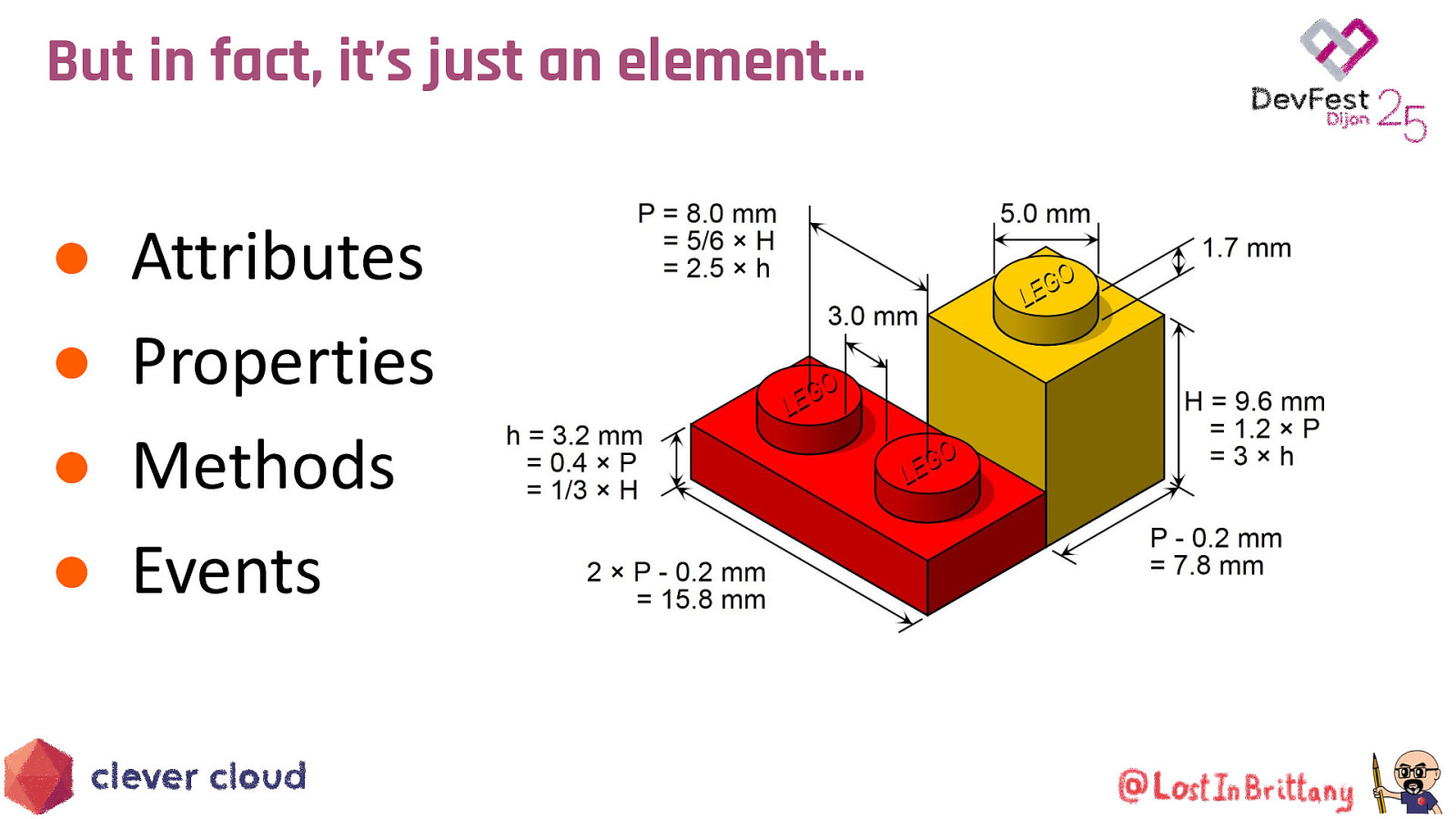
But in fact, it’s just an element… ● ● ● ● Attributes Properties Methods Events

Simple. Fast. Web Components
Modern lightweight web components For the new web paradigm
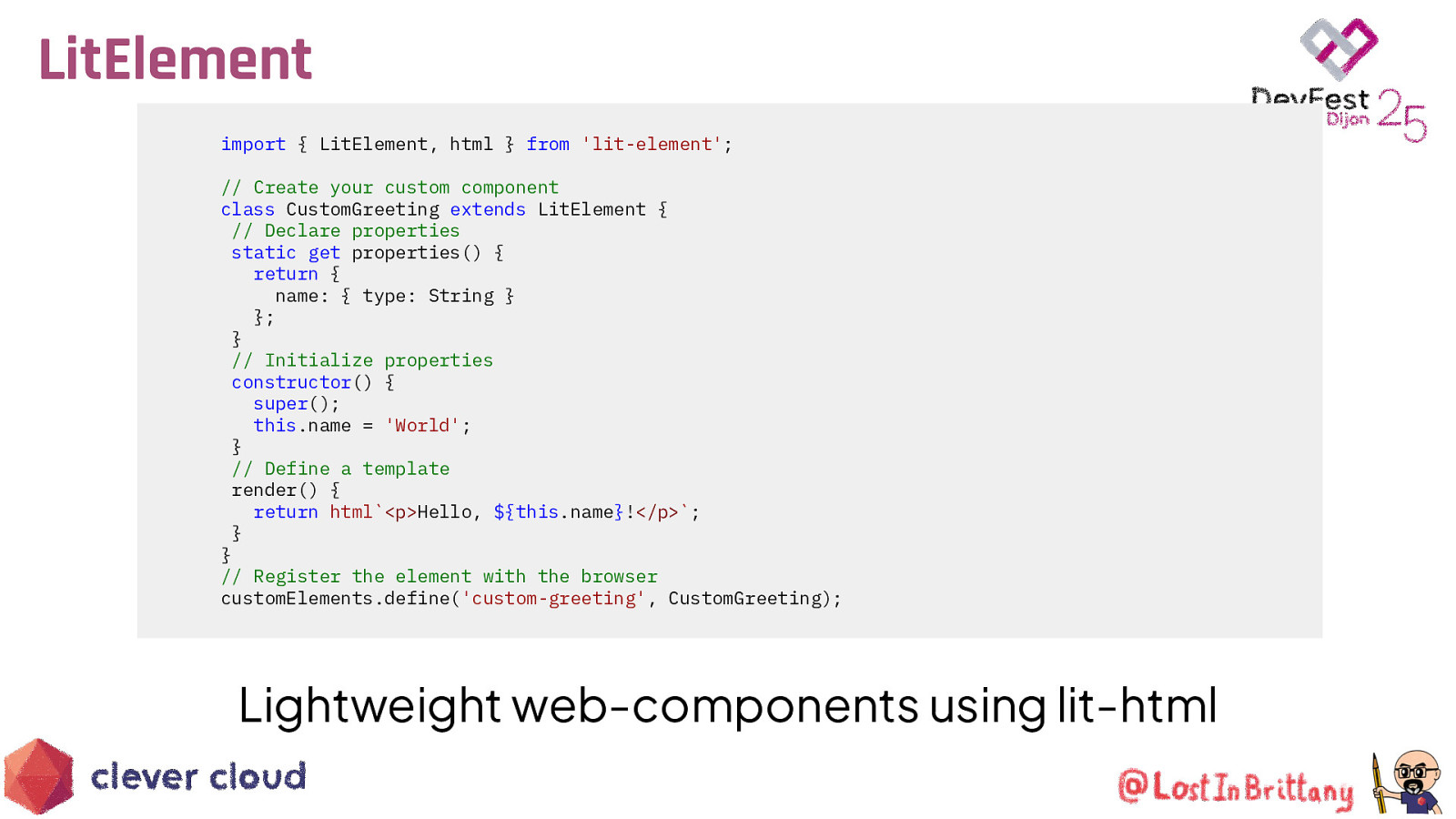
LitElement import { LitElement, html } from ‘lit-element’; // Create your custom component class CustomGreeting extends LitElement { // Declare properties static get properties() { return { name: { type: String } }; } // Initialize properties constructor() { super(); this.name = ‘World’; } // Define a template render() { return html<p>Hello, ${this.name}!</p>; } } // Register the element with the browser customElements.define(‘custom-greeting’, CustomGreeting);
Lightweight web-components using lit-html
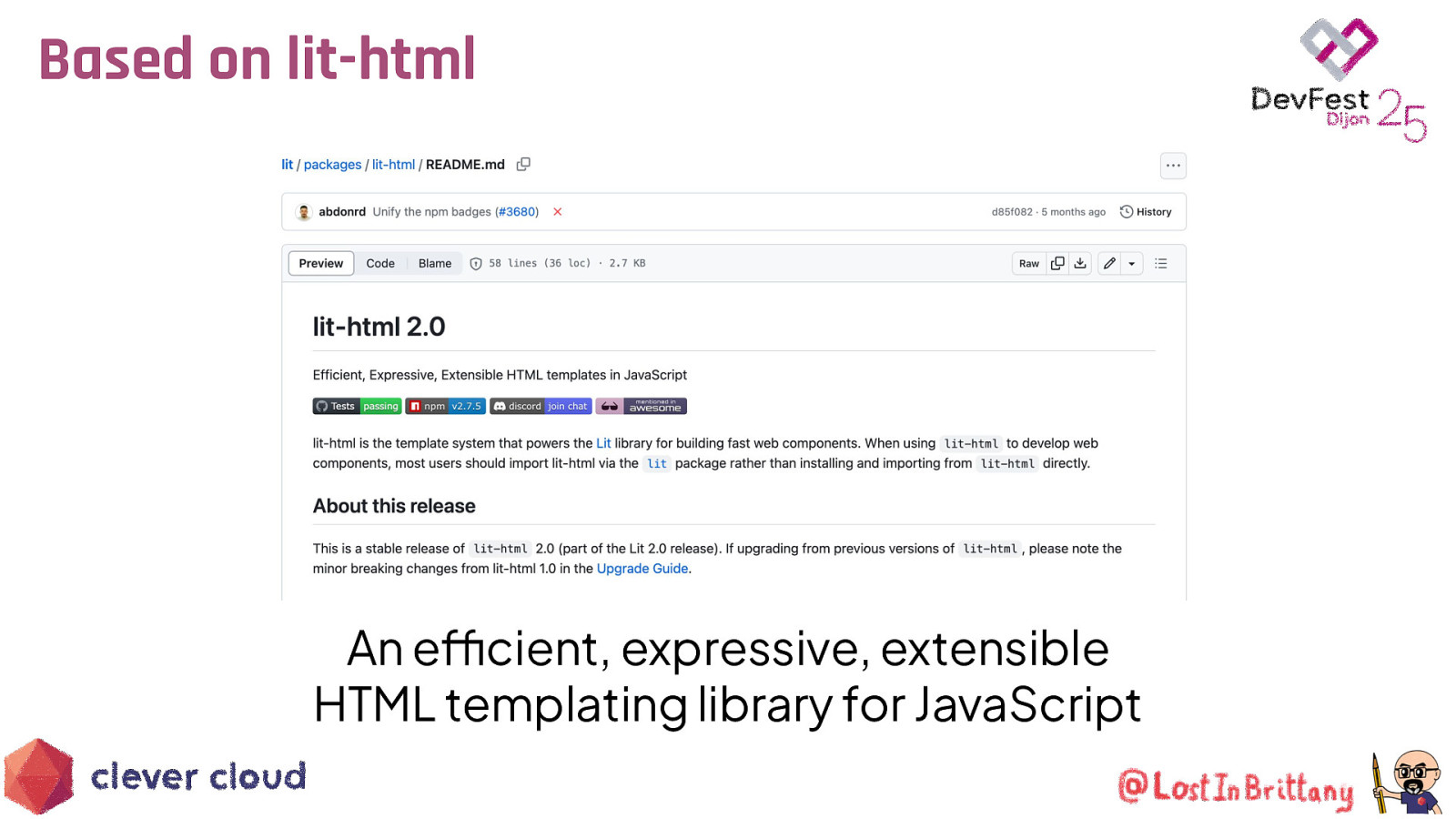
Based on lit-html An efficient, expressive, extensible HTML templating library for JavaScript
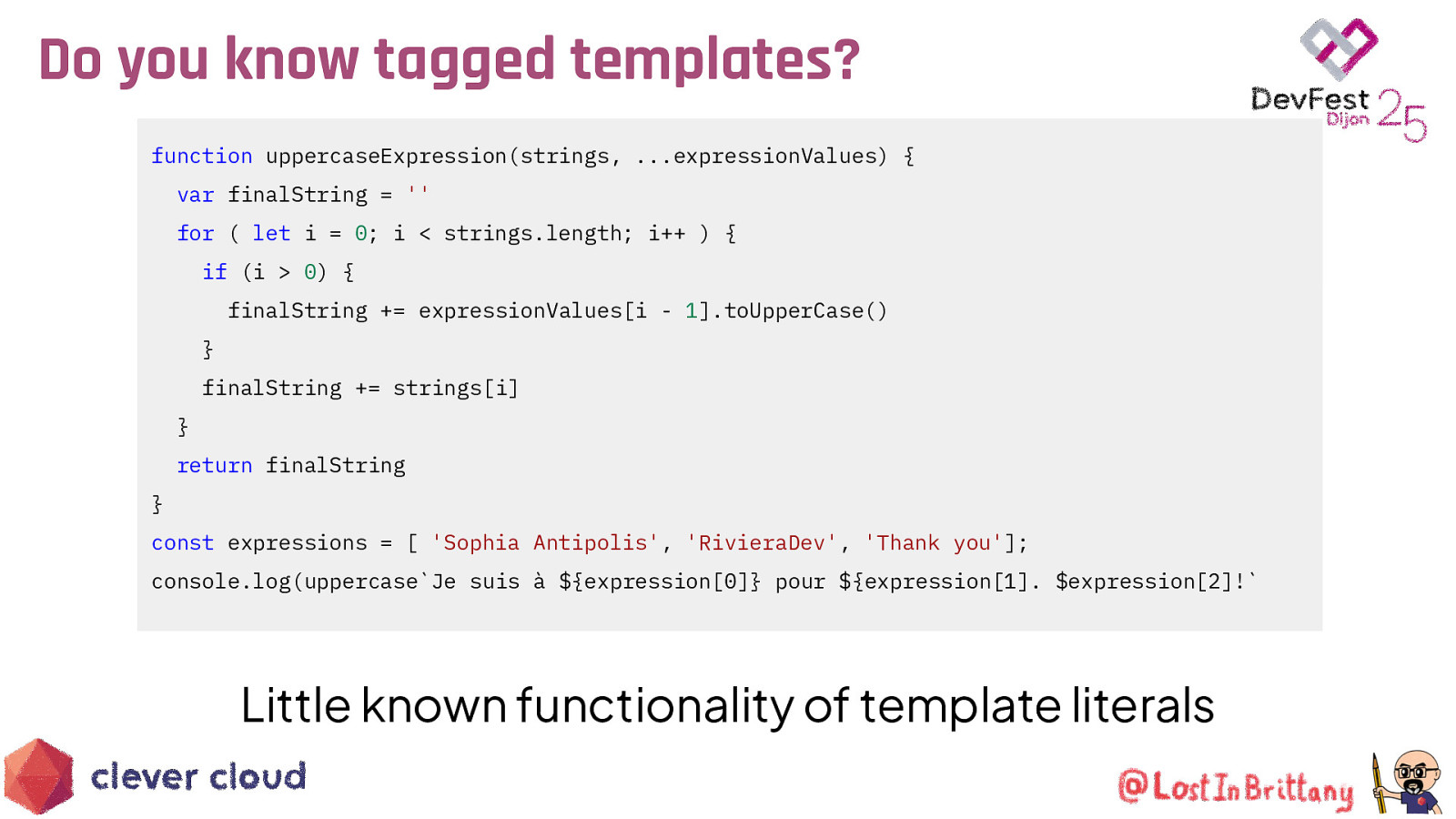
Do you know tagged templates? function uppercaseExpression(strings, …expressionValues) { var finalString = ” for ( let i = 0; i < strings.length; i++ ) { if (i > 0) { finalString += expressionValues[i - 1].toUpperCase() } finalString += strings[i] } return finalString } const expressions = [ ‘Sophia Antipolis’, ‘RivieraDev’, ‘Thank you’]; console.log(uppercaseJe suis à ${expression[0]} pour ${expression[1]. $expression[2]!
Little known functionality of template literals
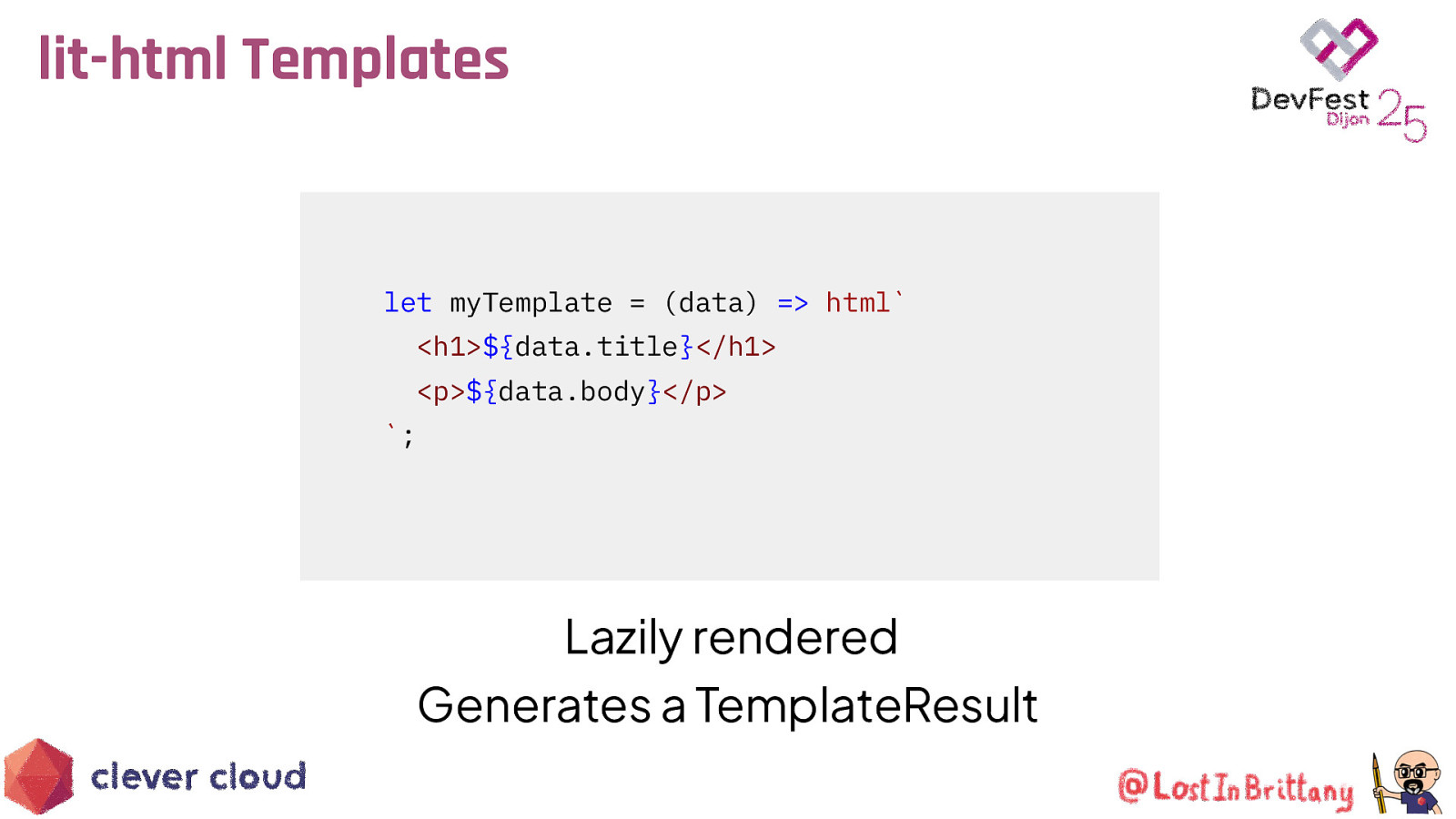
lit-html Templates
let myTemplate = (data) => html<h1>${data.title}</h1> <p>${data.body}</p>;
Lazily rendered Generates a TemplateResult
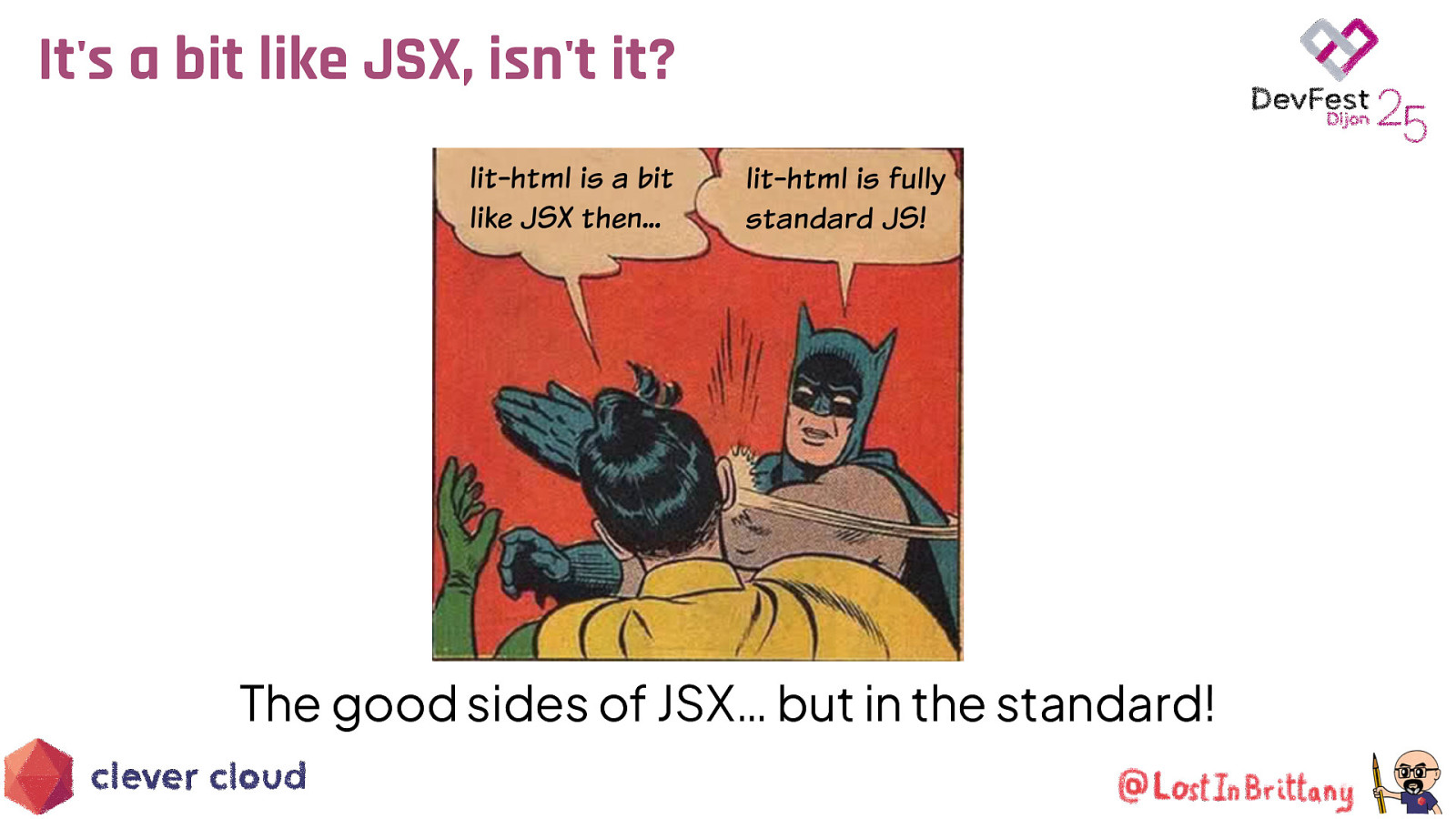
It’s a bit like JSX, isn’t it? The good sides of JSX… but in the standard!

Too much theory, show us a demo! example-01.html https://github.com/LostInBrittany/introduction-to-htmx-and-lit
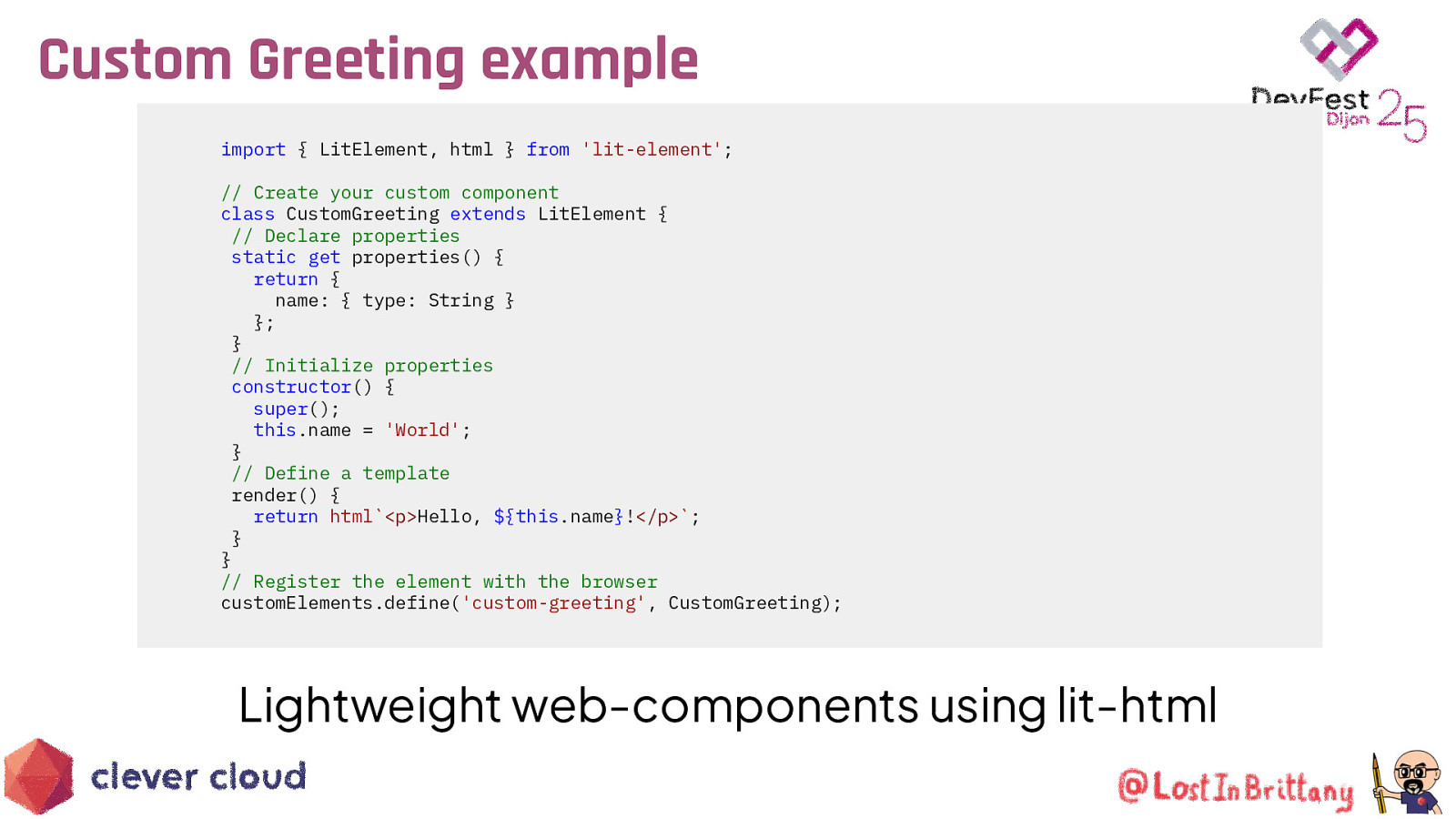
Custom Greeting example import { LitElement, html } from ‘lit-element’; // Create your custom component class CustomGreeting extends LitElement { // Declare properties static get properties() { return { name: { type: String } }; } // Initialize properties constructor() { super(); this.name = ‘World’; } // Define a template render() { return html<p>Hello, ${this.name}!</p>; } } // Register the element with the browser customElements.define(‘custom-greeting’, CustomGreeting);
Lightweight web-components using lit-html
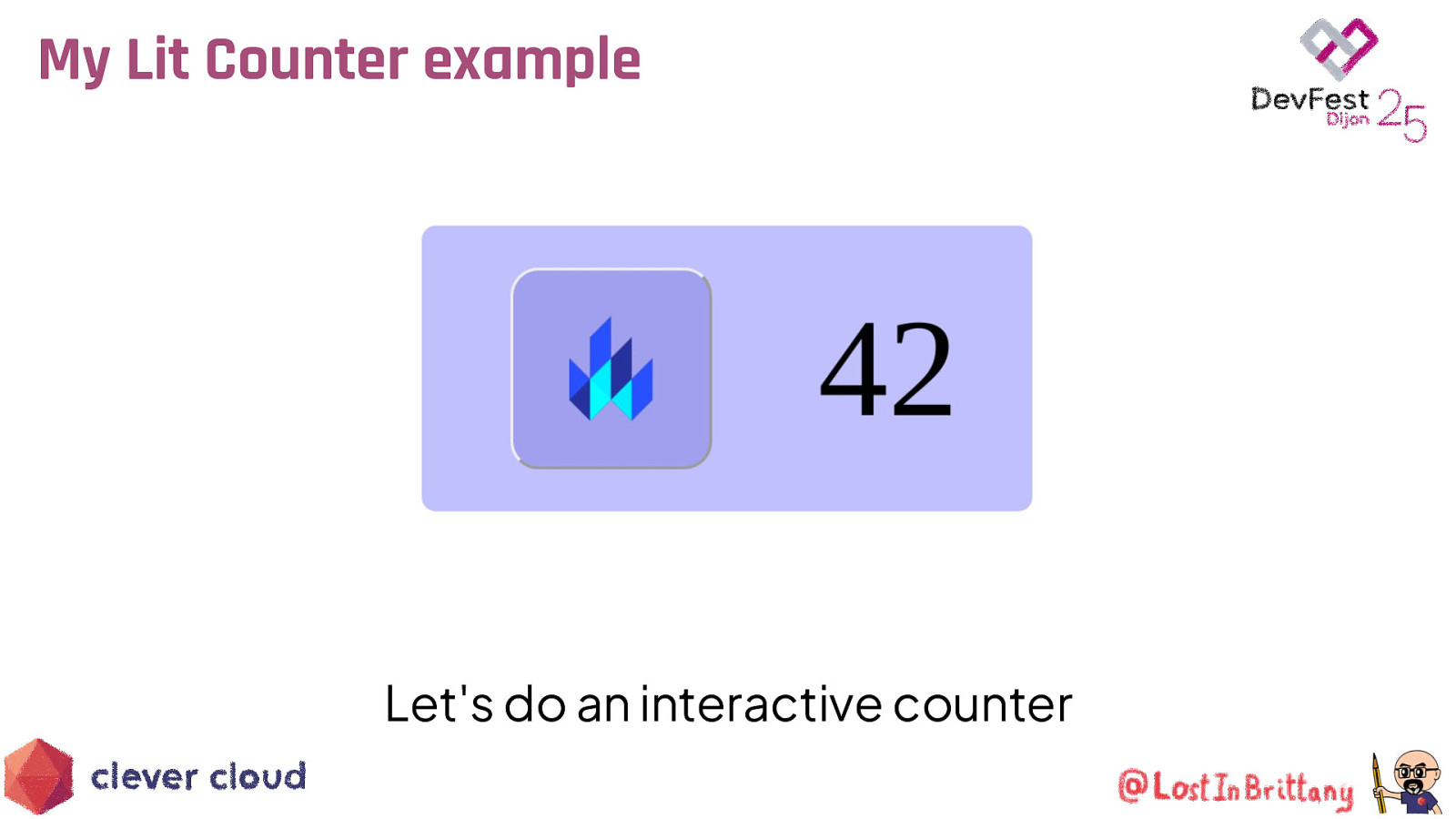
My Lit Counter example Let’s do an interactive counter
Lit & </> htmx Love at first <tag>
htmx for structure, Lit to encapsulate logic To htmx, Lit elements are just regular tags

Too much theory, show us a demo! example-01.html https://github.com/LostInBrittany/introduction-to-htmx-and-lit

That’s all, folks! Thank you all! r u o ey v a e l e s a Ple ack! b d e e f
